4 min read

Eliminate Hidden Google Workspace Costs: The Power of the gPanel & CloudM Bundle

Managing Google Workspace isn’t just about keeping accounts active. As your organization grows and remote collaboration expands, the administrative workload multiplies.  IT admins and Workspace managers often find themselves stuck in inefficient processes that steal resources and drain the budget.

These enterprise-scale challenges are often the result of “hidden costs” in your Google Workspace environment, the three most common being: 

  1. License Waste: Maintaining licenses for inactive or offboarded employees because you need their data for compliance.
  2. Administrative Time Sinks: Manual, multi-step tasks like onboarding, offboarding, and bulk updates that pull IT teams away from strategic priorities.
  3. Data Risks: Relying solely on Google’s native tools, which have a limited 25-day window for critical data recovery, exposing you to permanent loss.

Without a unified and centralized approach, Workspace administration can become a bottleneck, leading to unbudgeted costs, security gaps, and compliance risk. This complexity demands a solution designed for efficiency, security, and true scalability.


Introducing Promevo + CloudM’s Bundled Solution 

To address these challenges, Promevo and CloudM have joined forces with a bundled solution designed to streamline management and provide robust data protection across the Google Workspace ecosystem. 

This integration combines the best of operational efficiency with data optimization.

gPanel by Promevo 

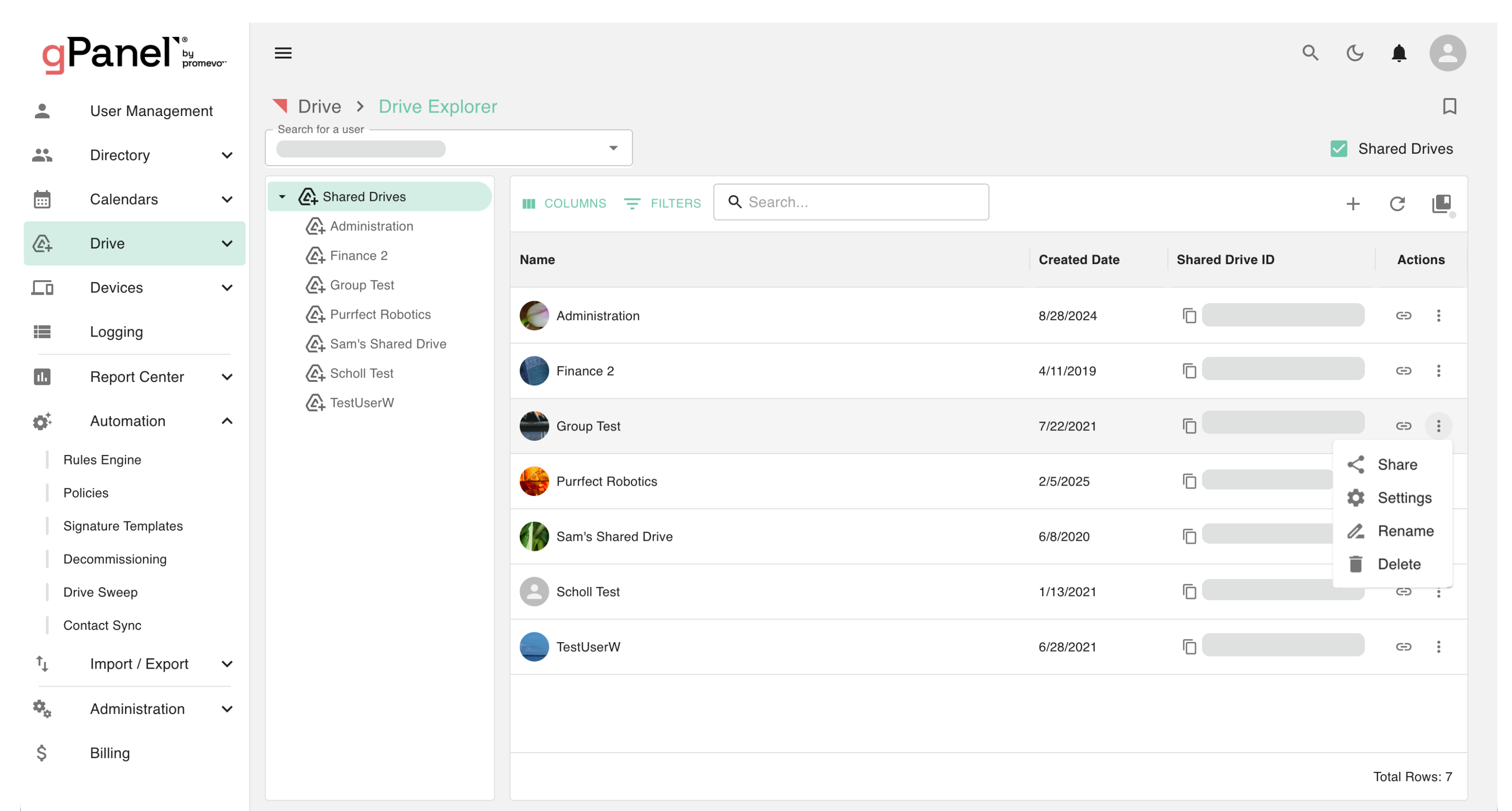
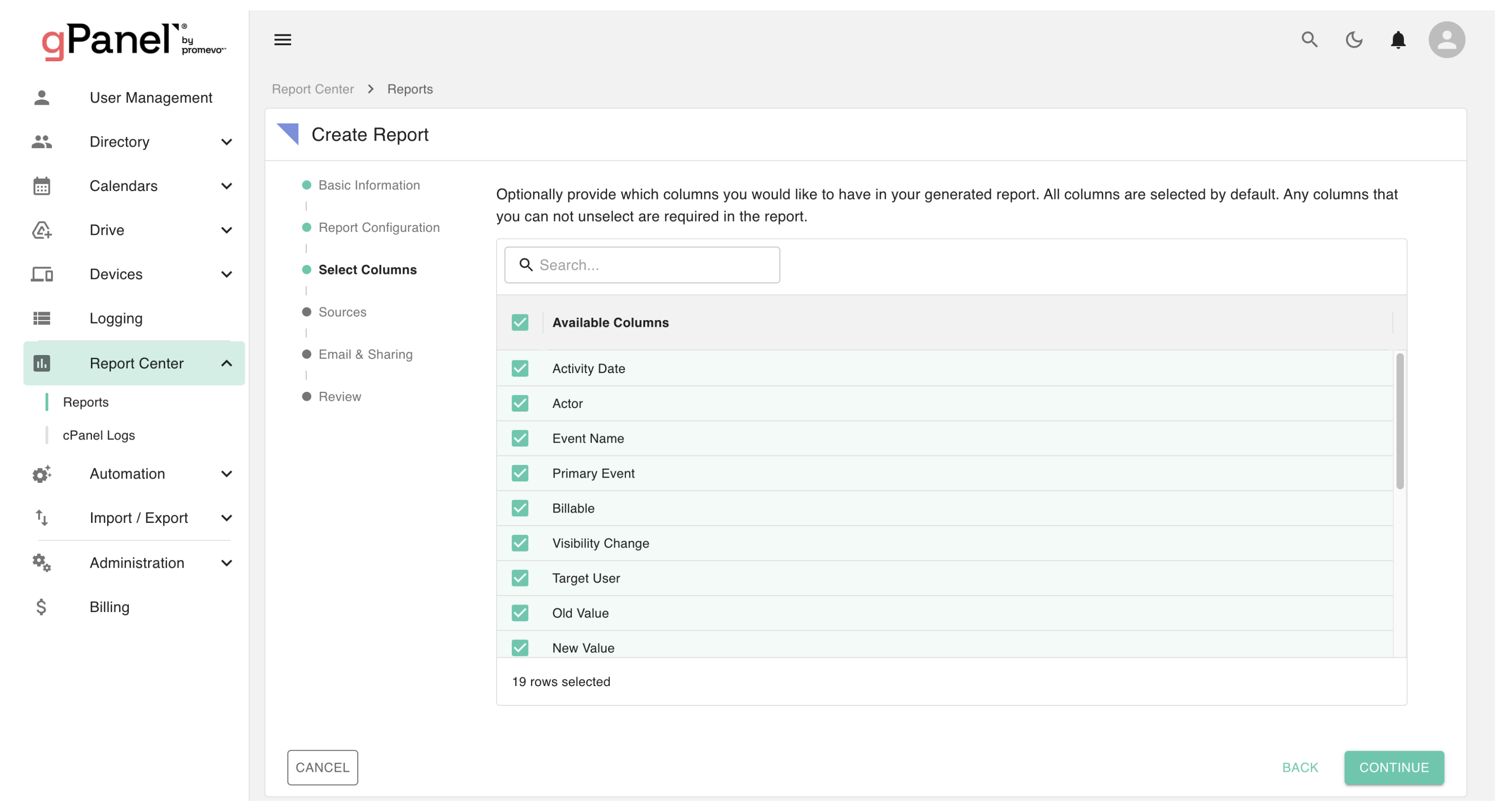
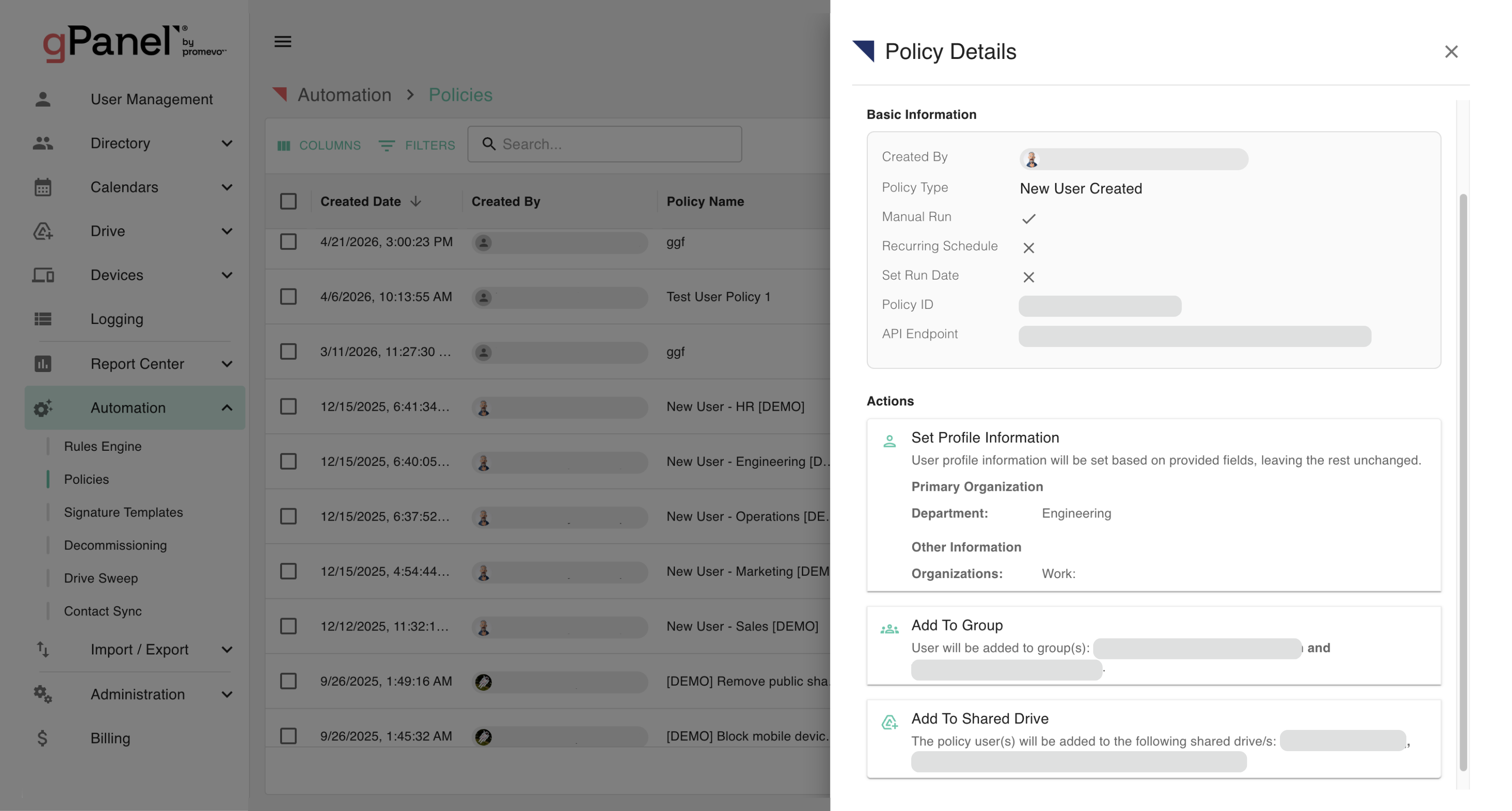
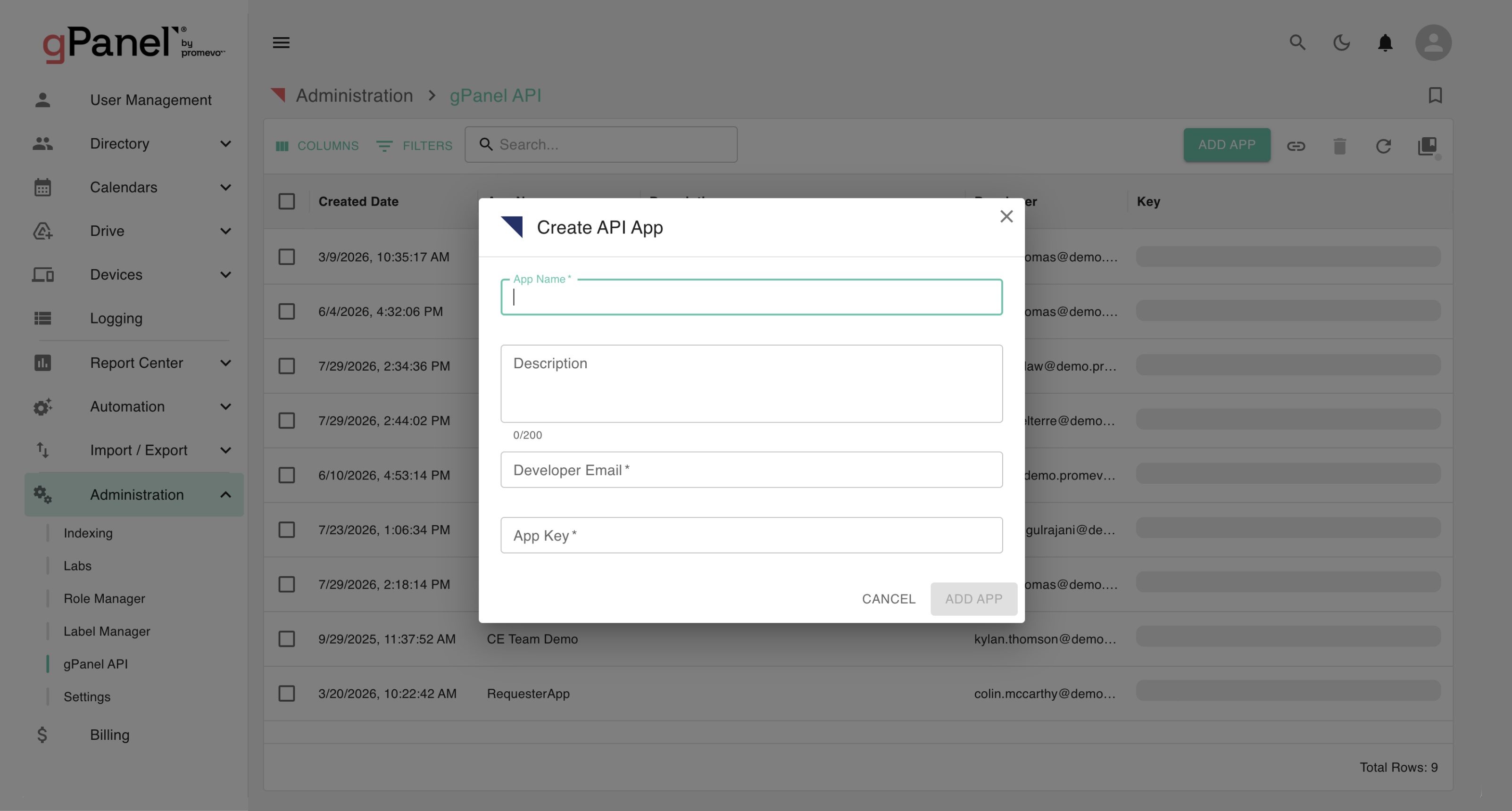
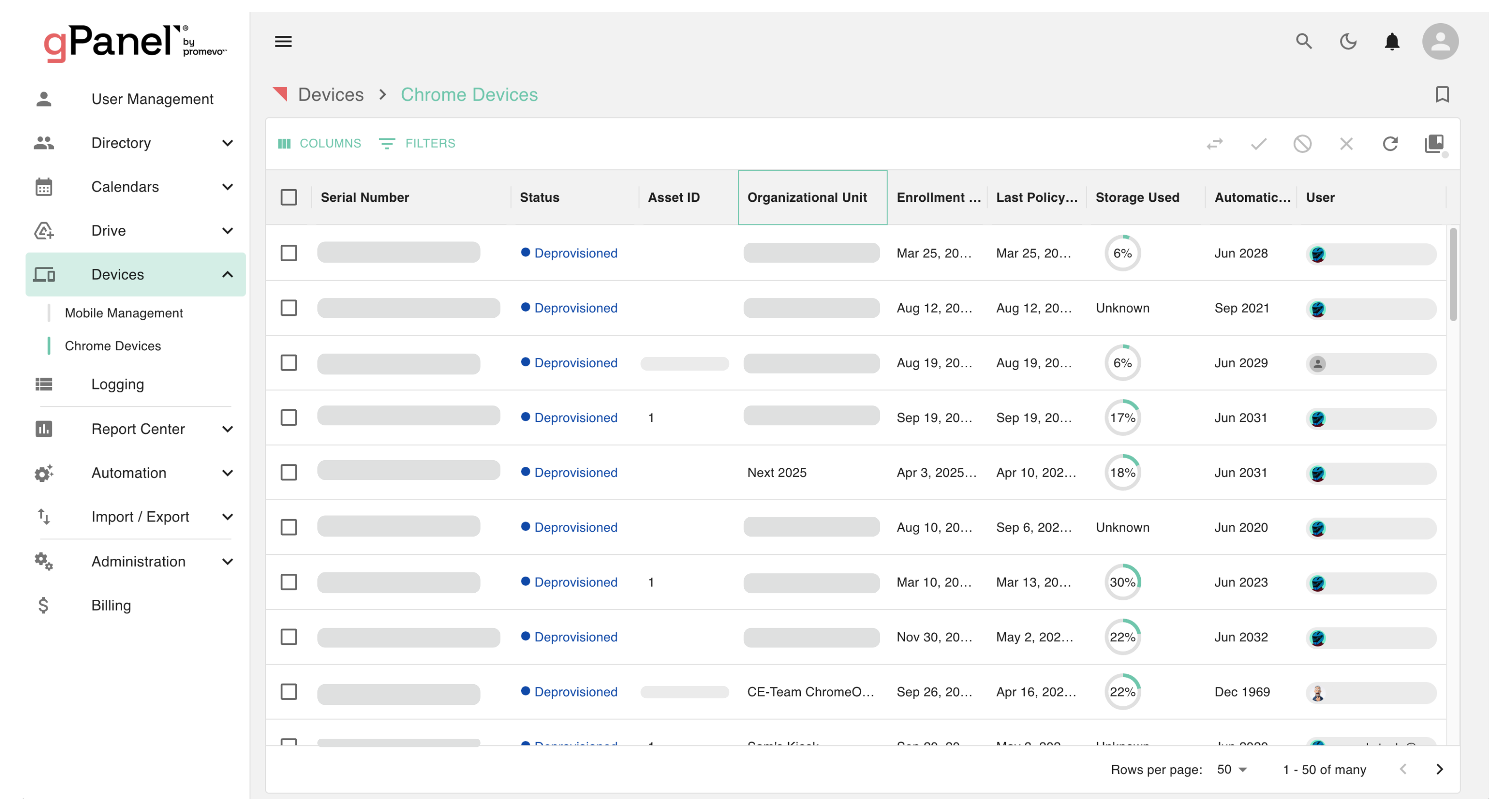
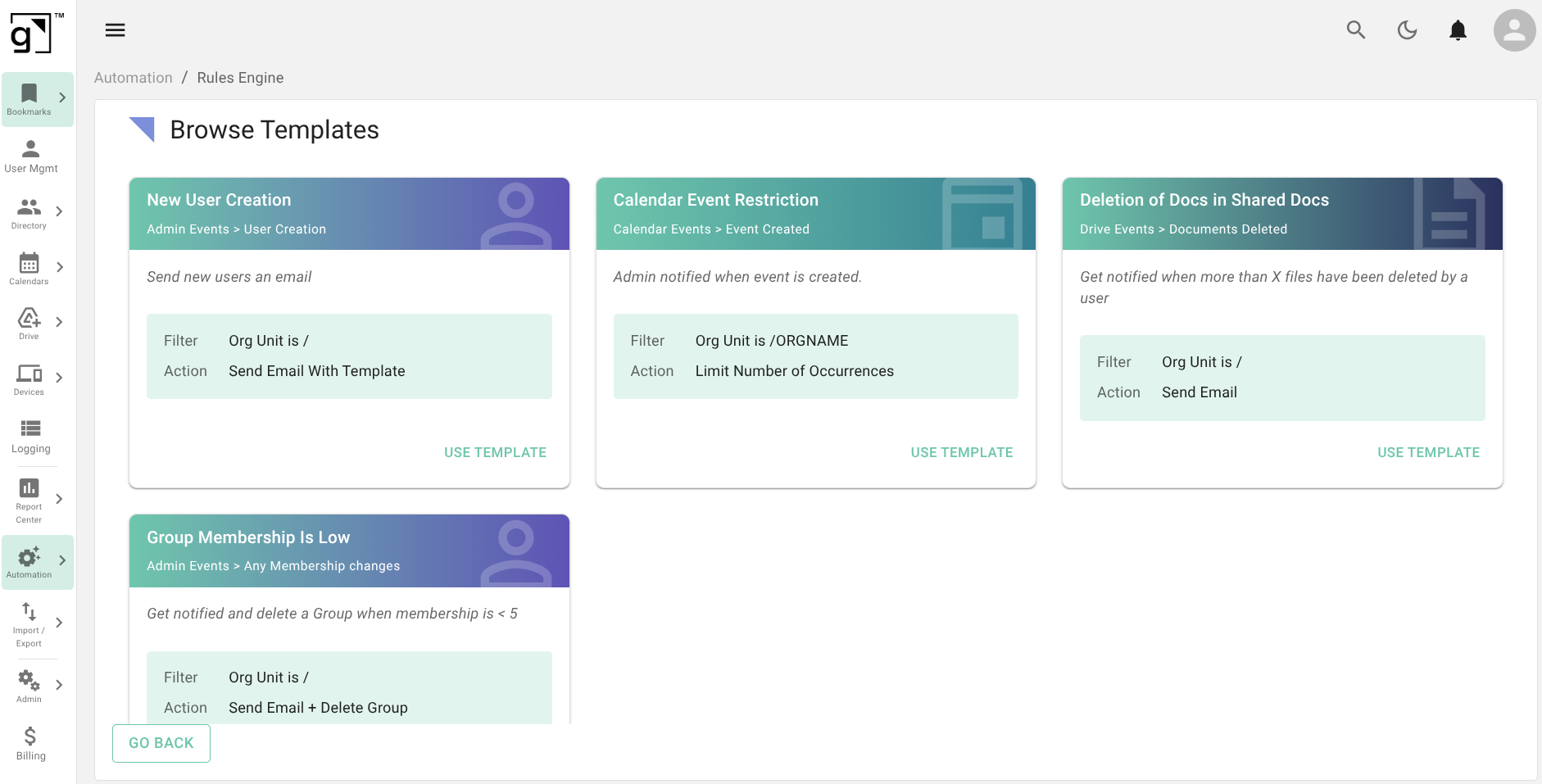
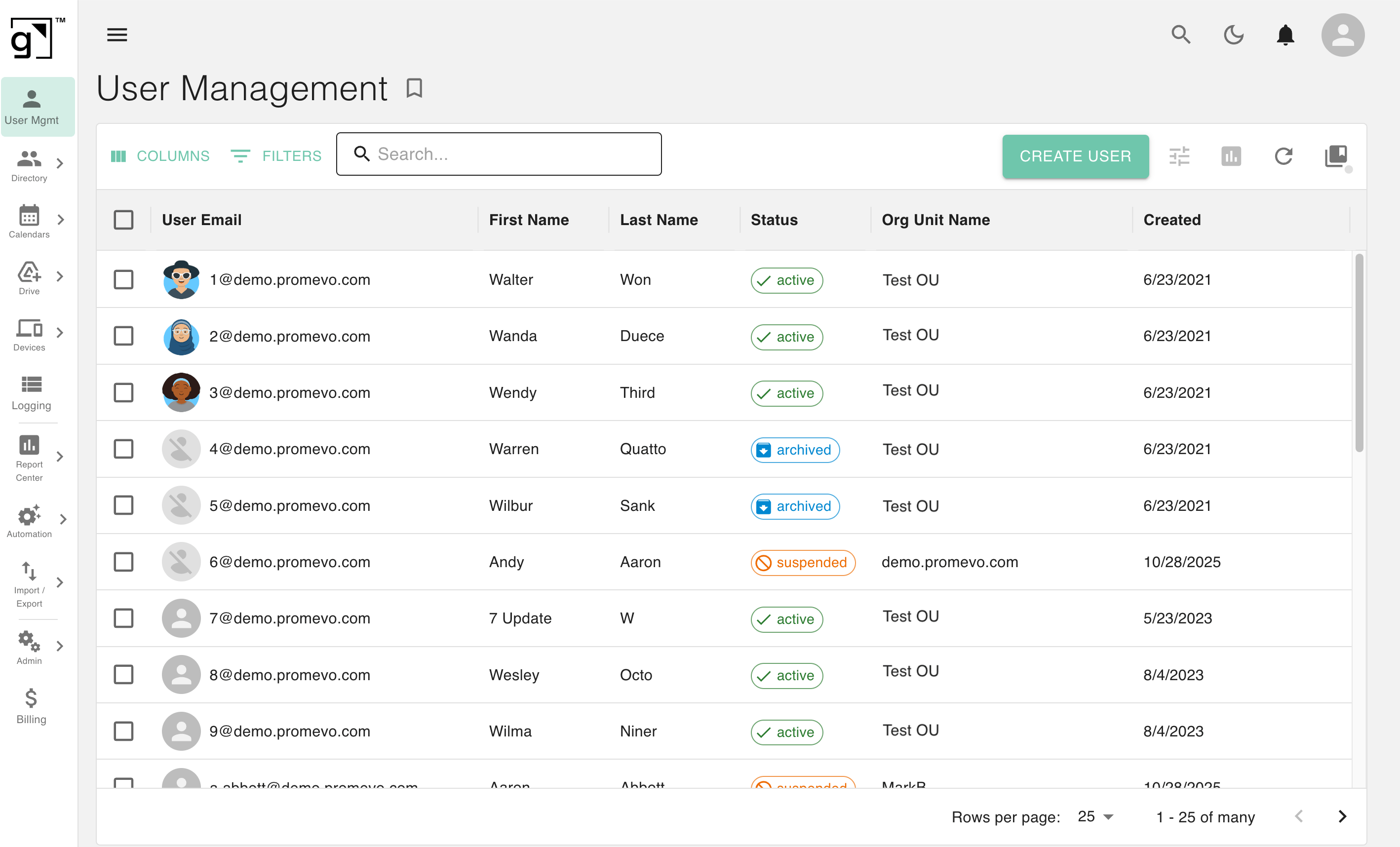
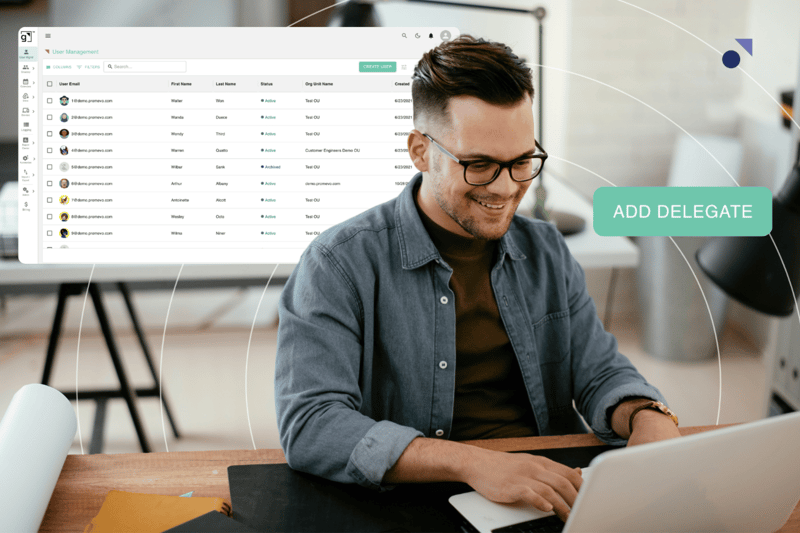
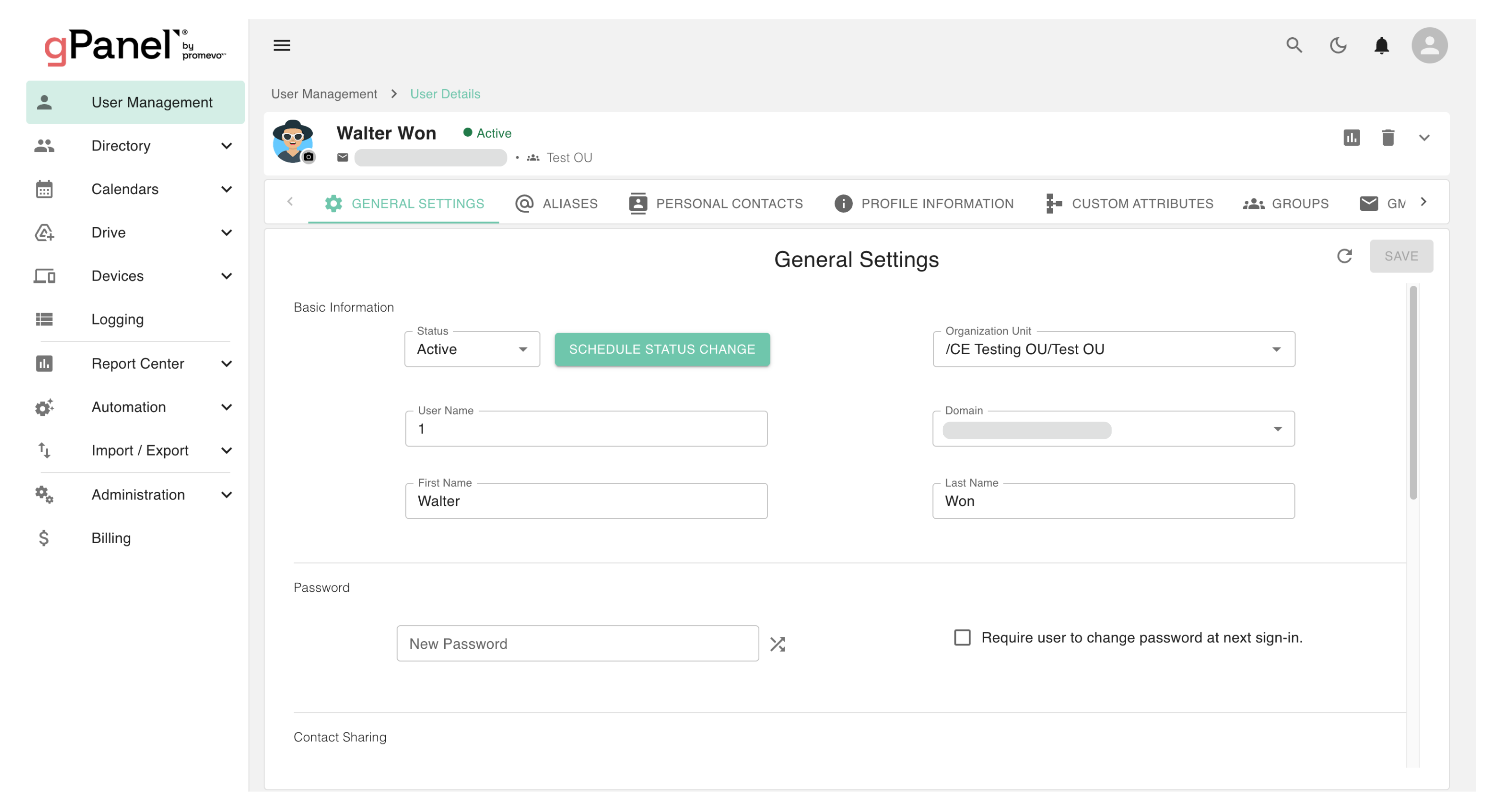
gPanel is Promevo’s Google Workspace management solution that automates user lifecycle tasks — including onboarding, offboarding, decommissioning — and provides unmatched bulk management, policy enforcement, and reporting across your entire domain.

With gPanel, IT teams no longer spend hours tracking down errors or enforcing policies manually. Automation ensures every step of the user lifecycle is handled efficiently, letting admins focus on higher-value initiatives.

CloudM Backup & Archive 

Backup and Archive are tools developed by CloudM that provide comprehensive, unlimited long-term data backup, granular restore capabilities, and cost-saving archiving for inactive user accounts.

CloudM’s solutions allow you to back up your organization’s Workspace data — including Drive, Gmail, Calendar, and more — as frequently as every 20 minutes and easily restores data, whether it’s for a single file or an entire user account.

CloudM ensures that when data loss occurs, your organization can recover quickly. Archiving also reduces storage waste, maintains continuity across users and departments, and supports compliance standards like HIPAA, GDPR, and other regulatory requirements.


Solving the Hidden Costs: Our Three-Pillar Approach

Together, gPanel and CloudM’s Backup and Archive solutions provide an end-to-end system that targets the hidden costs of Google Workspace, reducing administrative overhead, strengthening security, and helping organizations scale without adding complexity.

Check out this brief video featuring experts from both Promevo and CloudM discussing the synergistic power of both gPanel and CloudM. 


1. Cost Reduction: Optimizing Licenses & Storage

As an administrator, your goal is to eliminate premium license waste while securing data in the most cost-effective way possible. gPanel and CloudM can help with that. 

  • CloudM Archive (Direct Savings): This is your primary license reclamation tool. By securely moving inactive employee data into low-cost cloud storage, you can immediately remove and stop paying for expensive Workspace licenses.
  • gPanel (Efficiency Savings): gPanel's sophisticated reporting and automated offboarding policies ensure licenses are identified and revoked promptly when a user leaves or is decommissioned, preventing unnecessary payment cycles and maximizing the efficiency of active licenses.

2. Time Savings & Efficiency: Automating the User Lifecycle

This bundled solution transforms tedious, multi-step administrative processes into automated, one-click workflows, freeing your IT team to focus on strategic goals.

  • gPanel (Bulk Automation): gPanel acts as the efficiency engine, using custom, automated policies to handle complex tasks like onboarding and offboarding. It executes the entire sequence —user creation, group assignments, security rules, and data transfer — with unparalleled speed and consistency.
  • CloudM Backup (Data Restoration): CloudM Backup's architecture is built for speed and reliability, ensuring that once you need to restore or search archived data, it happens quickly and accurately, minimizing administrative time spent waiting on slow or incomplete recovery processes.

3. Risk Mitigation: Enforcement & Unlimited Data Protection

The bundle closes data security gaps by combining strong policy enforcement with robust, long-term data recoverability.

  • CloudM Backup & Archive (Data Certainty): CloudM eliminates the risk associated with Google Workspace’s native 25-day recovery limit. It provides unlimited, long-term data retention and granular restore capabilities, ensuring you are always ready for a security incident, sync error, or accidental deletion.
  • gPanel (Policy Enforcement & Visibility): gPanel strengthens security by enforcing policies across thousands of users instantly. Features like Drive Search & Sweep and detailed audit logs provide the critical visibility and control needed to meet compliance and reduce internal and external threats.

The Power of the Integrated Bundle

The true power of this solution lies in the seamless integration between the gPanel and CloudM platforms, creating one optimized workflow that simultaneously saves your organization time and money.

Imagine a single automated offboarding event:

  1. gPanel initiates the offboarding policy, automating the user's suspension, password reset, and the transfer of critical document ownership.
  2. CloudM Backup ensures a final, immutable copy of all user data has been successfully secured to guarantee long-term recovery readiness and legal compliance.
  3. CloudM Archive picks up the baton where the other tools leave off, archiving the user's data to low-cost storage and automatically flagging the user's license for removal.

What used to be a tedious, error-prone, high-cost process is now reduced to a few clicks, ensuring:

  • Measurable ROI: Reclaiming hundreds of administrative hours per year and saving thousands annually on retained licenses.
  • Unified Lifecycle Management: From the moment a user joins to the moment their data is securely archived, the bundle provides an end-to-end management solution purpose-built for enterprise scale.

Take the Next Step

Managing and protecting Google Workspace no longer requires juggling multiple tools or manual processes. The gPanel and CloudM bundle empowers you to move past the "hidden costs" of administration and realize the full potential of your Google investment.

With gPanel and CloudM working together, you get:

  • Automation across user lifecycle tasks.
  • Secure archiving for compliance and immediate cost control.
  • Unlimited, robust backups with flexible restore options.
  • A scalable, unified system designed to grow with your organization.

Ready to see the financial clarity this bundle can provide? Contact our teams today to calculate your specific ROI based on your current seat count and offboarding volume.


New call-to-action


Eliminate Hidden Google Workspace Costs: The Power of the gPanel & CloudM Bundle
7:36

Related Articles

Simplify Your Google Workspace Migration With Promevo & CloudM

4 min read

Simplify Your Google Workspace Migration With Promevo & CloudM

From budget concerns and cybersecurity to mergers and acquisitions, there are many reasons why a company might choose to migrate their email system,...

Read More
What Is an Archived User in Google Workspace?

4 min read

What Is an Archived User in Google Workspace?

When an employee leaves your organization, what happens to their data — the emails, documents, and other files they owned or accessed? For some users...

Read More
How to Securely Migrate Your Data From Microsoft 365 to Google Workspace

8 min read

How to Securely Migrate Your Data From Microsoft 365 to Google Workspace

If you’re considering a move to Google Workspace, you’re looking for a platform built for modern work: deeply collaborative, simpler to manage, and...

Read More