


Switching your business intelligence platform is never just a technical move. It’s a shift in how your teams consume data, collaborate, and make decisions. Tableau and Looker both lead the BI space, but many companies are making the move to Looker because it aligns better with a cloud-first strategy, modern data stacks, and deep Google Cloud integrations.
This transition takes careful planning, but the rewards are worth it — governance, scalability, and more powerful analytics. As a trusted Google Cloud partner, Promevo helps organizations navigate this journey with proven migration services. Here are practical tips to guide your migration from Tableau to Looker.
Understand the Differences Between Tableau & Looker
You need to start by recognizing that Tableau and Looker take very different approaches to BI. Tableau is visual-first, designed for quick dashboarding and exploration. Looker is model-first, built on LookML, a code-based approach that structures data consistently across the organization.
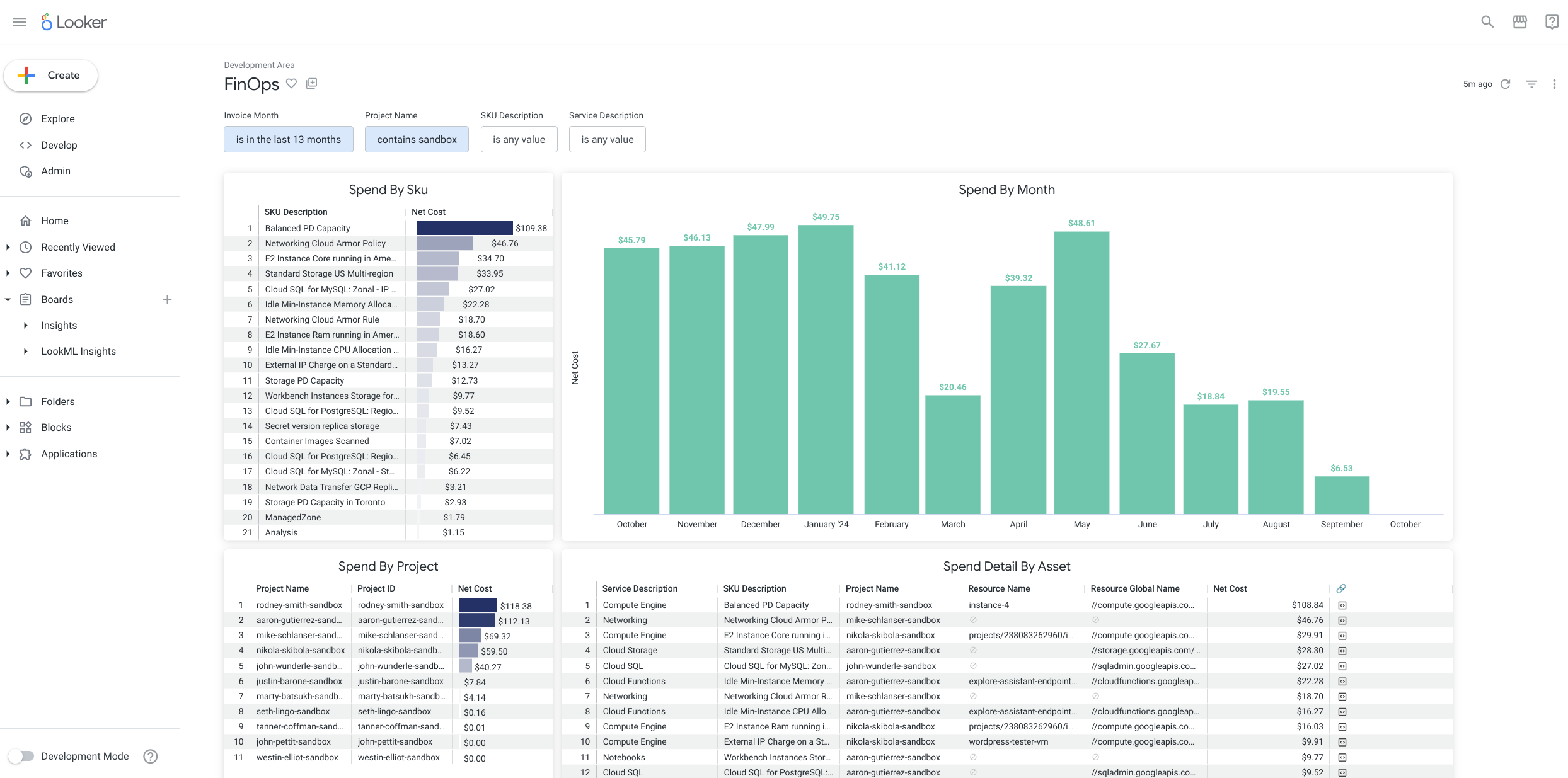
Looker also gives you embedded analytics and seamless integration with Google Cloud, BigQuery, and the wider Google ecosystem. This shift moves you from a dashboard-centric view to a data-model-centric culture that scales across departments.
Tip: Run an internal education session to help teams understand Looker’s philosophy before the migration begins.
Set Clear Migration Goals & KPIs
Migration projects can drift if you don’t define success upfront. Set measurable goals like improved query performance, streamlined governance, or better self-service adoption.
You don’t need to bring every Tableau dashboard across. Identify the reports that still matter, and let the rest go.
Tip: Start with your most business-critical reports to prove immediate value.
Audit and Inventory Existing Tableau Assets
Before you can design a clean migration path, you need a complete picture of what exists in Tableau today. That means documenting not only the visible dashboards, but also the underlying layers that drive them.
Start with a full export of your environment and build an inventory that captures:
- Dashboards and workbooks currently in use
- Data sources, both internal and external
- User roles, permissions, and group memberships
- Scheduled extracts and refresh schedules
Once you have this baseline, categorize assets by usage. Identify which dashboards drive daily decisions and which are opened only occasionally. A simple high/medium/low scale works well. High-usage dashboards deserve priority, while low-usage assets might be retired instead of migrated.
You also need to flag technical complexities. Custom SQL queries, calculated fields, blending logic, and API-driven connections often don’t translate directly into Looker. These require review and redesign so they fit into a clean LookML model.
Finally, evaluate whether existing assets truly align with business needs. Many Tableau environments grow cluttered over time, with duplicated dashboards or stale reports that no longer deliver value. Instead of carrying that bloat into Looker, use the audit as a chance to rationalize and streamline.
Caution: Avoid thinking in terms of one-to-one recreation. Looker’s model-first approach is an opportunity to refine your data foundation, not simply rebuild what existed before.
Start with a Pilot Group
A pilot helps you test migration steps in a controlled environment. Choose one motivated team that has frequent data needs and will actively engage with the process.
Use their feedback to refine your approach before scaling to the rest of the business.
Tip: Build internal champions from your pilot team. Their insights and enthusiasm will help adoption across the organization.
Invest in User Training and Enablement
Looker’s data-model-first approach may feel unfamiliar for Tableau users. Without training, adoption can lag.
Host onboarding sessions, point teams toward Looker’s learning resources, and provide tailored training where needed. Show users how to explore data, build guided dashboards, and take advantage of Looker’s self-service capabilities.
Tip: Promote a self-service culture while putting guardrails in place for governance and consistency.
Prioritize Data Governance & Security
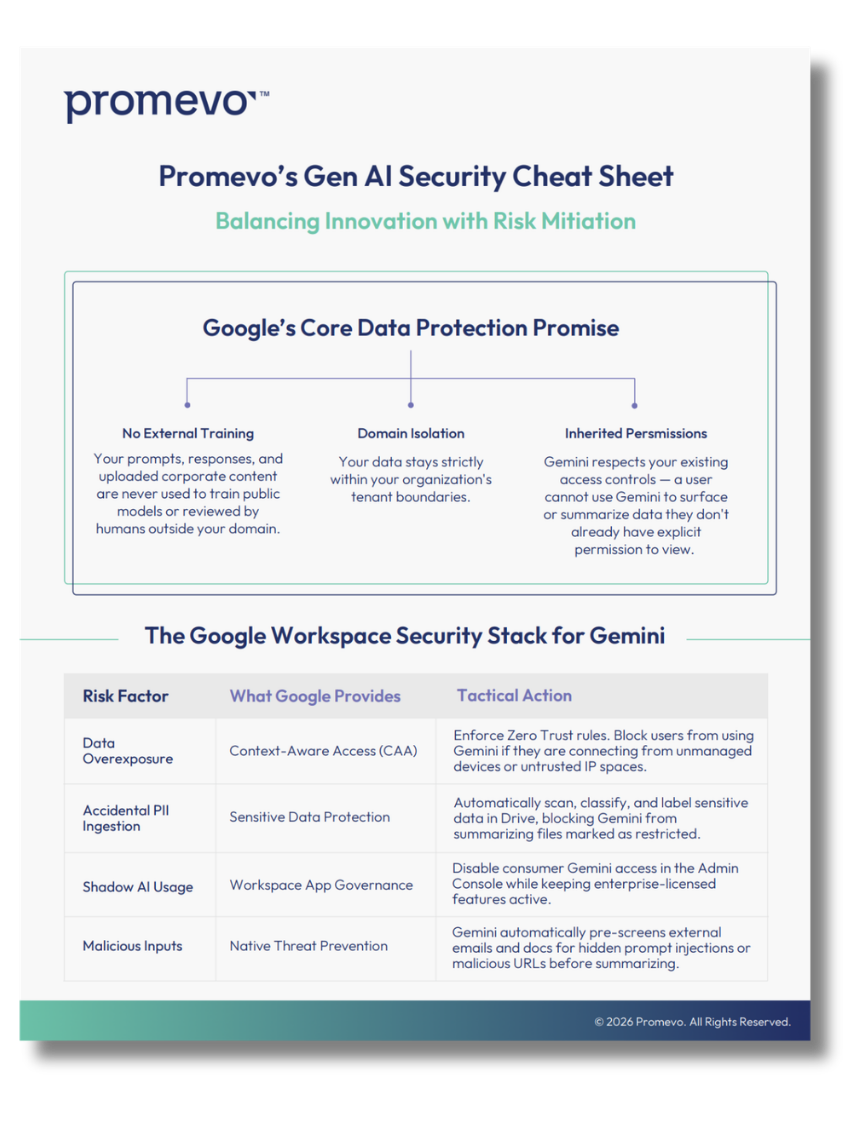
As you migrate to Looker, data governance and security should sit at the center of your strategy. Unlike Tableau’s often fragmented permission model, Looker lets you centralize governance through LookML, role-based access controls, and integration with Google Cloud Identity.
Start by defining who should access which datasets. Work with business stakeholders to align on role definitions, approval workflows, and guardrails that keep sensitive information protected. Build these rules into LookML so governance isn’t a bolt-on — it’s baked into the data model itself.
Looker also makes it easier to manage compliance requirements. By standardizing calculations and definitions within LookML, you reduce the risk of inconsistent reporting. That consistency not only strengthens trust in data but also supports audit readiness.
Security goes beyond access controls. Evaluate how your Looker deployment integrates with your broader cloud security framework. Ensure encryption standards, logging practices, and monitoring align with enterprise policies.
Adding governance and security early in the migration prevents problems later. It ensures users feel confident exploring data while leaders know sensitive information is protected.
Test, Iterate, and Validate
Once you start moving dashboards into Looker, testing becomes critical. This phase ensures not only that the numbers line up, but also that end users trust the new system. Without proper validation, adoption can stall.
Begin by checking accuracy at the query level. Compare key metrics between Tableau and Looker to confirm results match expected outputs. Don’t just spot-check one report — validate across high-visibility dashboards and critical KPIs.
Next, test performance with production-level datasets. Run reports against the same data volumes your business handles in real time. This step helps you uncover potential bottlenecks or misconfigured joins before they reach everyday users.
Engage end users directly in validation. Business teams often notice discrepancies or anomalies faster than IT. Encourage them to provide structured feedback and log issues so your data team can adjust LookML models quickly.
Iteration is part of the process. Document changes as you refine, and use version control to track improvements over time. This creates transparency and a foundation you can scale as more dashboards migrate.
Finally, establish a feedback loop beyond the initial rollout. BI platforms evolve with business needs, so set up regular checkpoints to confirm accuracy, performance, and usability remain strong.
Decommission Tableau Strategically
Once Looker is adopted across the business, plan the retirement of Tableau carefully. Communicate timelines well in advance so teams know when access will end.
Make sure all compliance and data retention needs are covered before decommissioning.
Tip: Give users a grace period where both tools overlap so they feel supported during the transition.
Partner with Experts to Streamline Your Migration
Migrating BI platforms is complex—there are both technical and cultural changes involved. Working with an experienced partner can help you avoid costly missteps.
Promevo offers services tailored to Looker migrations, including:
- Migration planning and strategy
- Looker enablement and training
- Implementation and rollout support
Tip: Choose a partner who understands both Tableau and Looker so your migration is smooth end to end.
Final Thoughts
Moving from Tableau to Looker represents more than a platform change — it’s an opportunity to modernize your BI strategy. With stronger governance, scalability, and native integration with Google Cloud, Looker positions your organization for long-term success.
Start with a clear plan, train your users, and partner with experts who can guide you through the process.
If you’re ready to explore what a migration could look like for your business, contact Promevo to learn more about our Looker migration workshops.