


In an era defined by distributed workforces, leaner teams, and exponential information growth, organizations are under pressure to do more with less — and to do it smarter, not harder.
Enter Gemini: Google’s generative AI platform built directly into Google Workspace. And we want to help you use it.
In the first session of our four-part Gemini Adoption Series, Brandon Carter, Promevo Marketing Director, and Colin McCarthy, Director of Digital Transformation at Promevo, broke down the power of Gemini. It doesn’t just extend Google Workspace — it transforms it into an adaptive, AI-augmented environment that increases productivity, supercharges creativity, and deepens research.
This isn’t a trend. It’s a tectonic shift in the way modern work happens.
Below, we explore the practical capabilities, strategic implications, and operational best practices for using Gemini in Google Workspace — and how IT leaders can turn AI from novelty into necessity.
You can watch the full webinar and download the deck here.
Why Gemini? Why Now?
Generative AI — the category of AI that creates content, not just analyzes it — is rapidly becoming a must-have capability for high-performance teams. Every department can leverage generative AI to add value, from marketing and operations to HR. Use it to create high-quality marketing content. Help hire and train more staff. Suggest price analysis models. Or rapidly respond to sales opportunities.
In a recent survey conducted during Google’s pilot rollout, users reported saving an average of 105 minutes per week by repeatedly using Gemini, and 77% said they would miss Gemini if it were taken away.
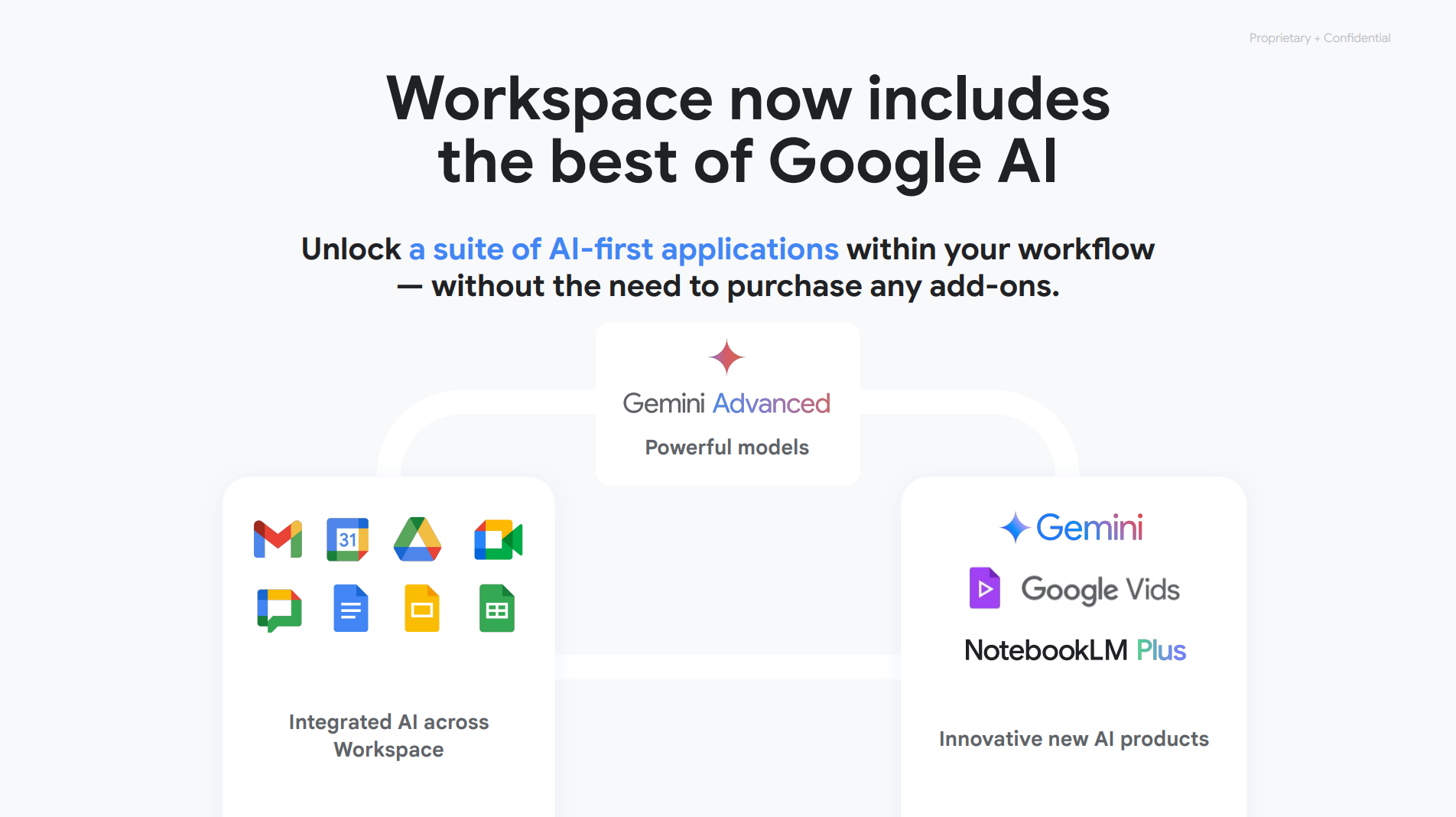
As of 2025, Gemini is now included in all Google Workspace Business and Enterprise plans. That means AI-enhanced productivity is no longer a question of cost, but of strategy and enablement.
Gemini seamlessly weaves generative AI into Workspace tools like Gmail, Doc, and Sheets, so users can leverage AI to write, analyze, or summarize without learning a new system or losing workflow continuity.
With the Gemini Advanced next-gen AI chat application, users can kickstart their learning, brainstorming, or planning for complex projects. You can also build custom AI experts, called “Gems,” for specialized and repetitive tasks within job roles, like coding, deep research, and data analysis.
Even more impressive, Google’s new research assistant, NotebookLM, provides users with instant audio overviews and insights based on uploaded sources.
Now is the time to adopt generative AI, and Google Workspace makes it stick with Gemini.
Deploy Gemini in Phases
Gemini is a wonderful tool, and at the same time, deploying it at scale means a fundamental change in people’s workflows. First, craft a deployment plan that includes both initial and ongoing communication and training to remind employees to use Gemini.
Consider creating a phased rollout plan segmented by department, function, or use case complexity. This helps you manage expectations, gather pilot feedback, and refine governance policies in real-time.
Native, Not Tacked On: Gemini’s Embedded Architecture
What sets Gemini apart isn’t just its capabilities — it’s how seamlessly it integrates into Workspace.
Unlike standalone AI tools that require exporting data or toggling between platforms, Gemini lives inside the Google Workspace experience to help you write, create images, organize, and connect. That means less friction, faster adoption, and higher productivity gains from day one.
Key Embedded Experiences
Enjoy Gemini’s embedded capabilities anywhere you work, from desktop to mobile app.
- Gmail & Docs: AI-assisted drafting, editing, and summarization
- Sheets: Natural language analysis and table generation
- Slides: Custom image generation and slide outlining
- Meet & Chat: Meeting summarization and contextual insights
- NotebookLM: AI-powered research notebooks for knowledge work
- Google Vids: Generative video creation built for enterprise communication
This architectural decision — embedding AI where work already happens — ensures Gemini supports natural user behavior rather than introducing new tools for users to learn.
Resource: You can track Gemini’s feature rollouts and regional availability here.
Gemini in Practice: Transforming Core Workspace Apps
Let’s unpack how Gemini redefines productivity across the most critical apps in Google Workspace.
Google Docs: From Blank Page to Publish-Ready
Gemini for Google Docs eliminates the “blank canvas” barrier and becomes more than a word processor. It becomes a project plan, proposal, or brief co-author that helps reduce cognitive overhead and speed time to clarity.
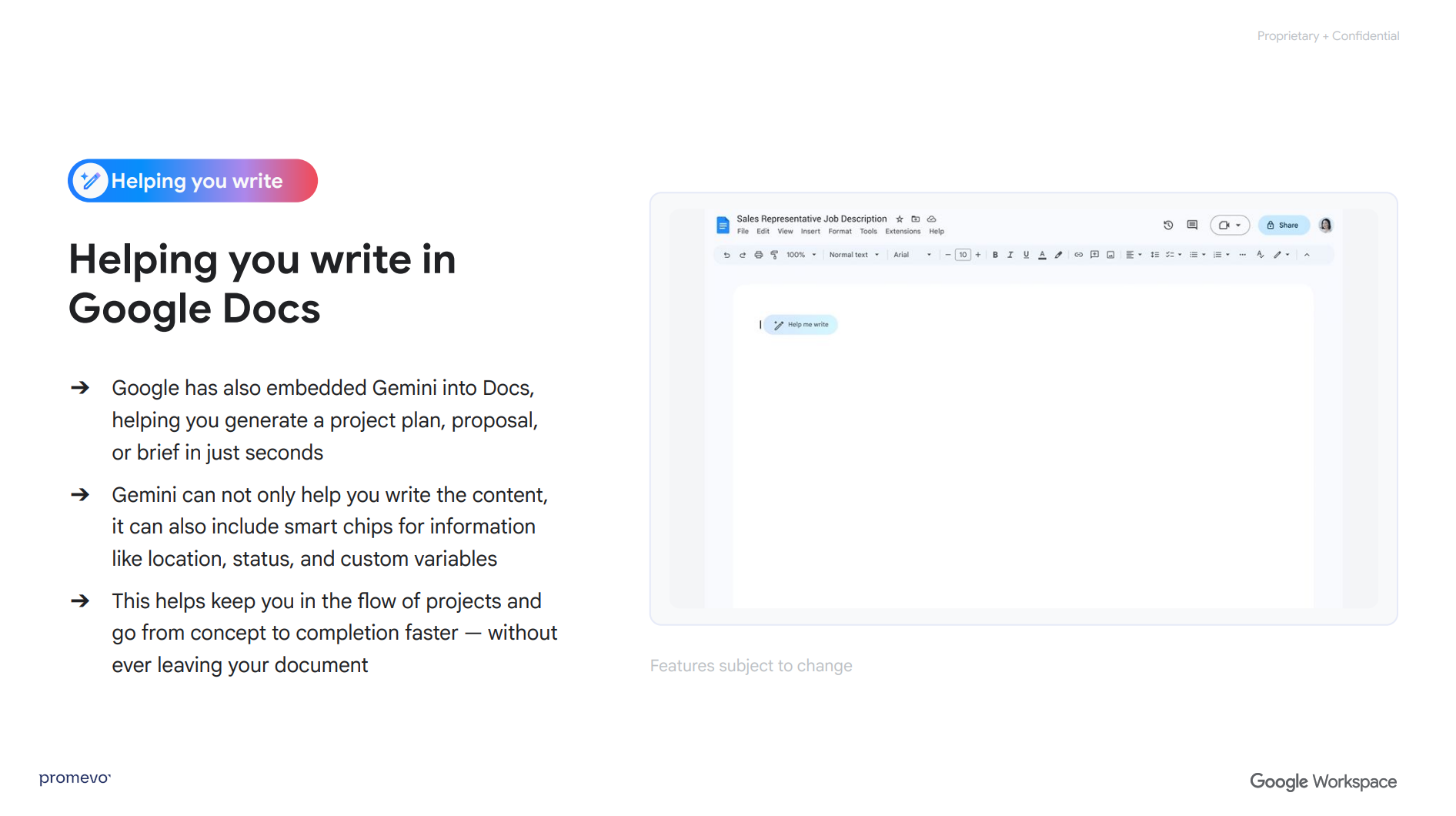
Gemini in Google Docs enables:
- Instant first drafts based on prompts
- Intelligent editorial suggestions for refining, rephrasing, or restructuring
- Stunning documents with banner image creation
- Smart Chips that insert live data (people, locations, events)
Example Use Case: Product marketing teams can use Gemini to generate competitive briefs, then ask NotebookLM to validate claims using internal market research.
Gmail: Dynamic Communication at Scale
Gemini within Gmail is particularly valuable for executive teams, account managers, and customer-facing roles, where inbox overload is a daily challenge. Gemini is available in Gmail on your browser and mobile app.
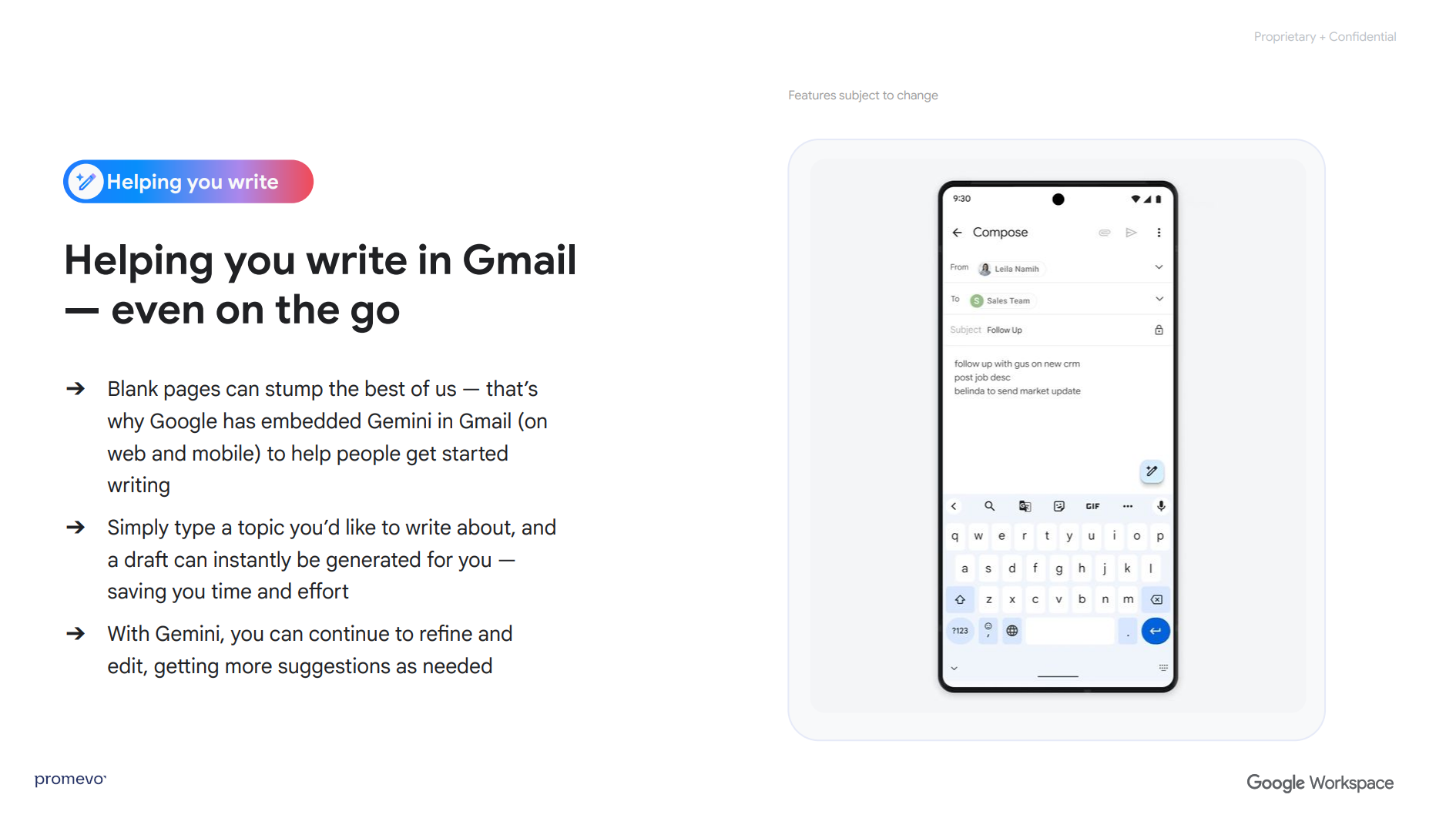
With Gemini in Gmail, users can:
- Generate an email from a given topic
- Summarize long email threads into bullet-point recaps
- Draft responses in natural language
- Change tone (e.g., more professional, more casual)
- Create calendar actions directly from Gmail
Example Use Case: Sales leaders using Gemini to draft personalized follow-ups after client meetings, using notes pulled from NotebookLM or Google Meet summaries.
Google Slides: Impactful Visual Storytelling with AI Speed
Instead of manually searching stock images or building from scratch, Google Slides users can now prototype visual narratives in minutes with Gemini.
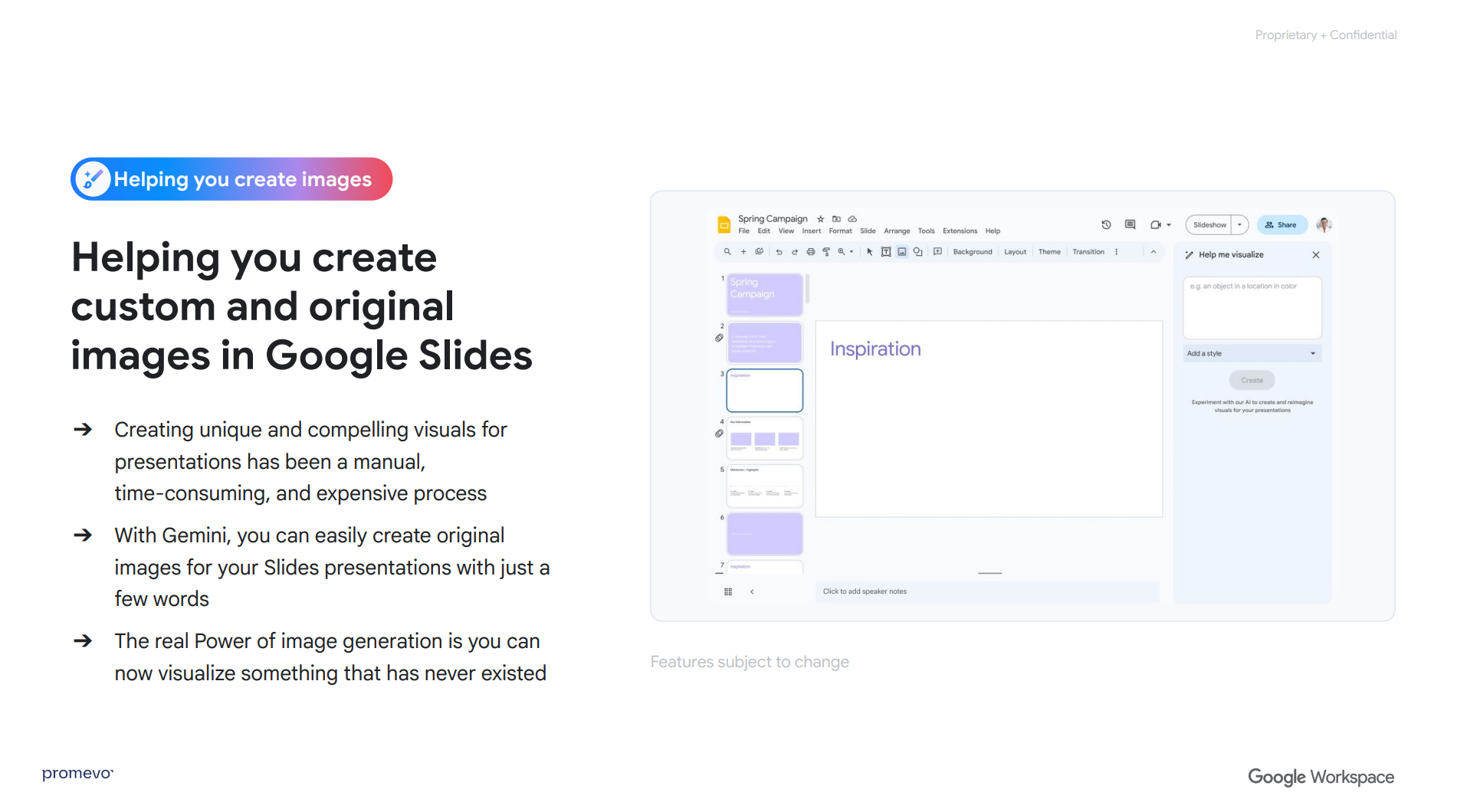
Gemini enhances Google Slides presentation design by:
- Generating original images based on simple prompts
- Suggesting layouts and structure for slides
- Offering alternate versions of visual content for A/B testing
Resource: Learn more about how to generate better images with Google Gemini.
Google Sheets: Analyst Power Without Bottlenecks
Gemini in Google Sheets enables more stakeholders to work directly with their data, freeing them up for more strategic work. In data-heavy roles like finance, operations, or logistics, Gemini dramatically reduces reliance on analysts for exploratory questions.
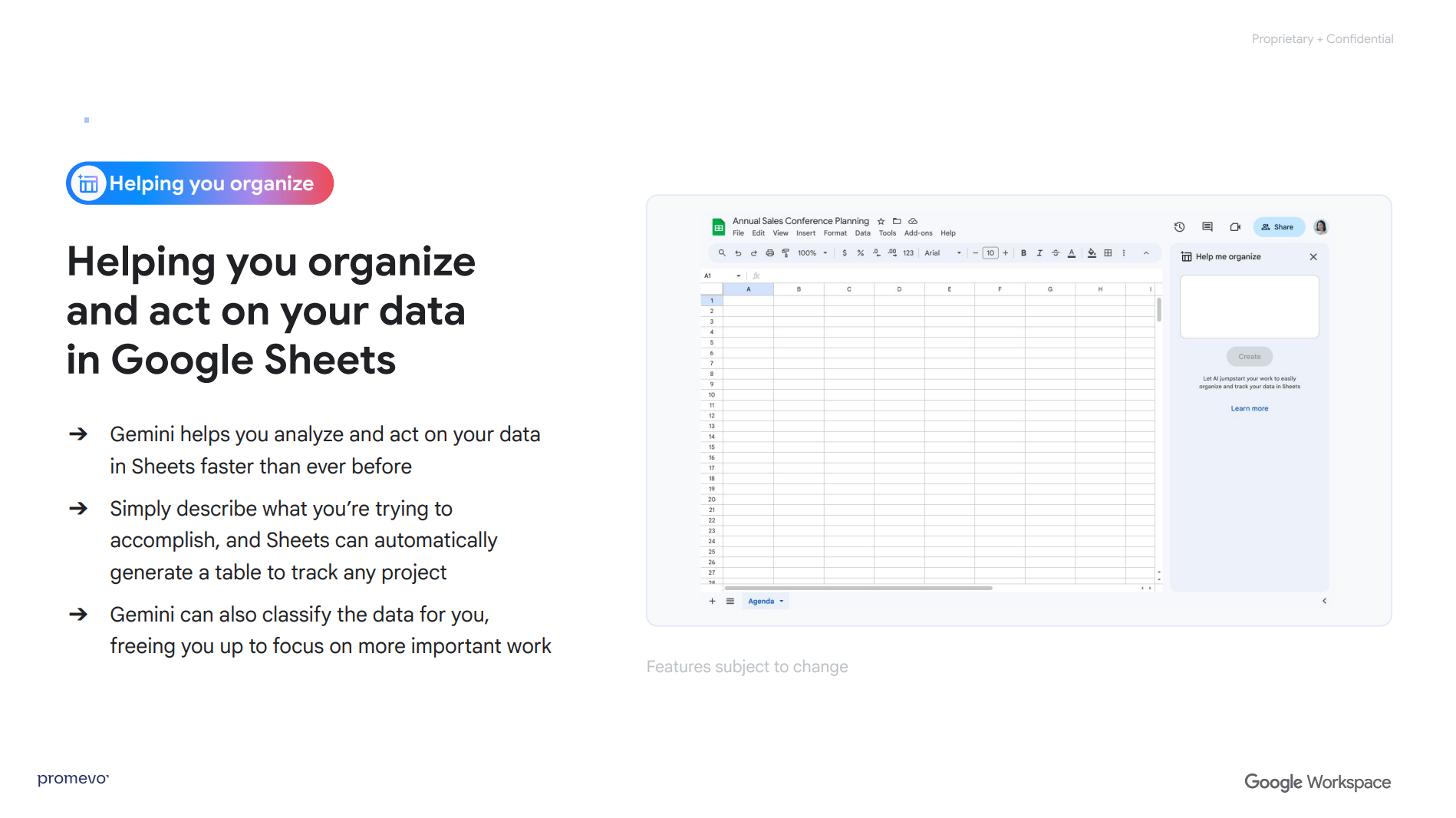
Gemini in Sheets allows users to:
- Build tables and charts with natural language commands
- Classify and segment large datasets
- Suggest formulas or transformations
- Interpret and summarize trends in plain English
Recommendation: Provide custom Gemini training sessions for non-technical team members who rely on data but lack Excel fluency. This bridges a common AI upskilling gap.
Breakthrough Ideas: Gemini Advanced as Your AI Thought Partner
With the Gemini app, users can explore ideas conversationally to enable brainstorming, refine thinking, and unlock new perspectives. You can also quickly find and synthesize information across all of your resources to make better decisions.
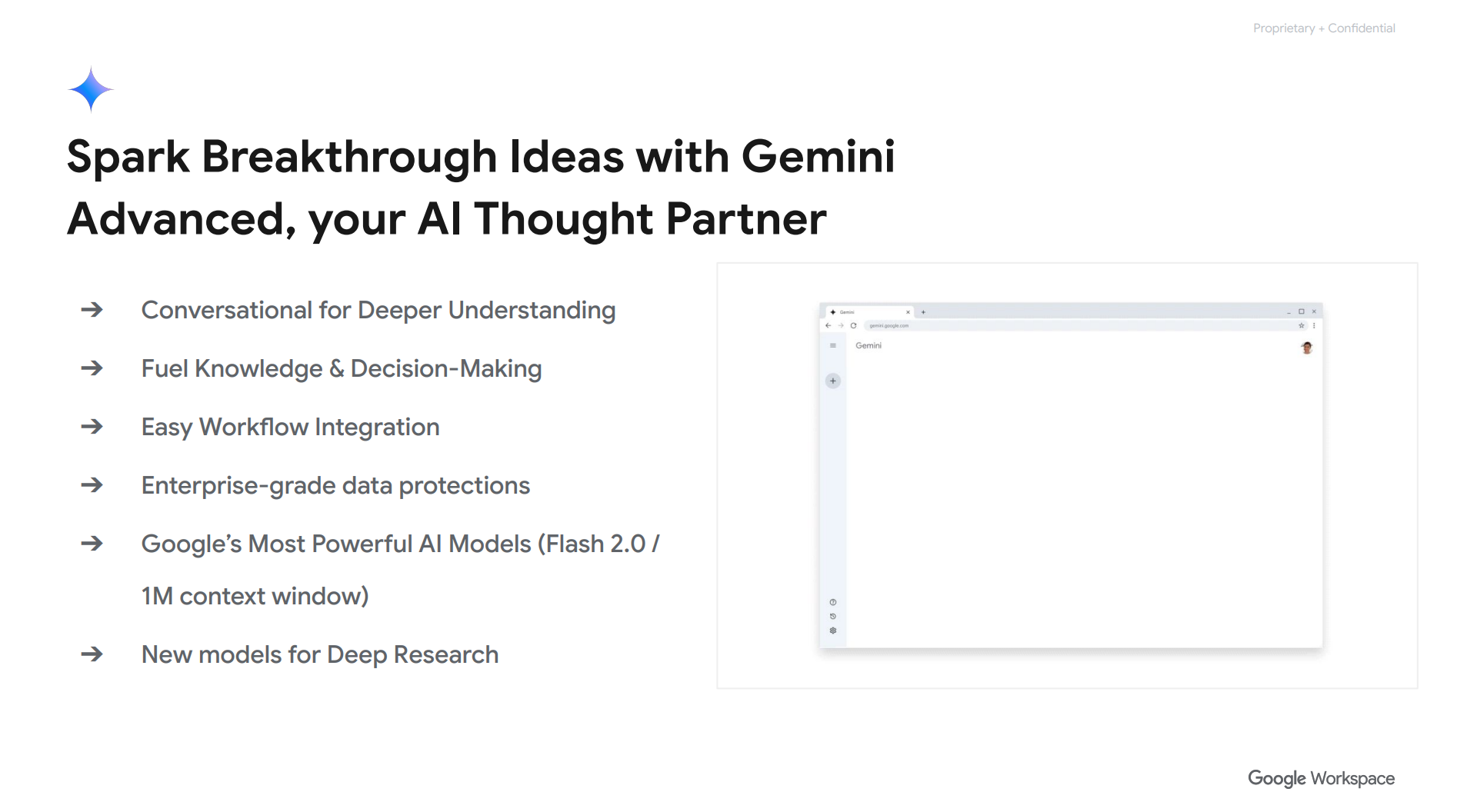
Use cases for the Gemini App:
- Pinpoint areas for efficiency improvements
- Generate ideas for improved customer experience
- Ask for feedback on your revenue streams
Recommendation: As part of your structured AI rollout, encourage employees to pin the Gemini application to their taskbars as a reminder to use it regularly.
Go Further, Faster: Custom AI Experts with Gems
Gems are essentially your team’s AI experts-in-a-box. By pre-loading context, formatting preferences, and persona, a Gem lets you reuse an optimized Gemini experience without re-prompting.
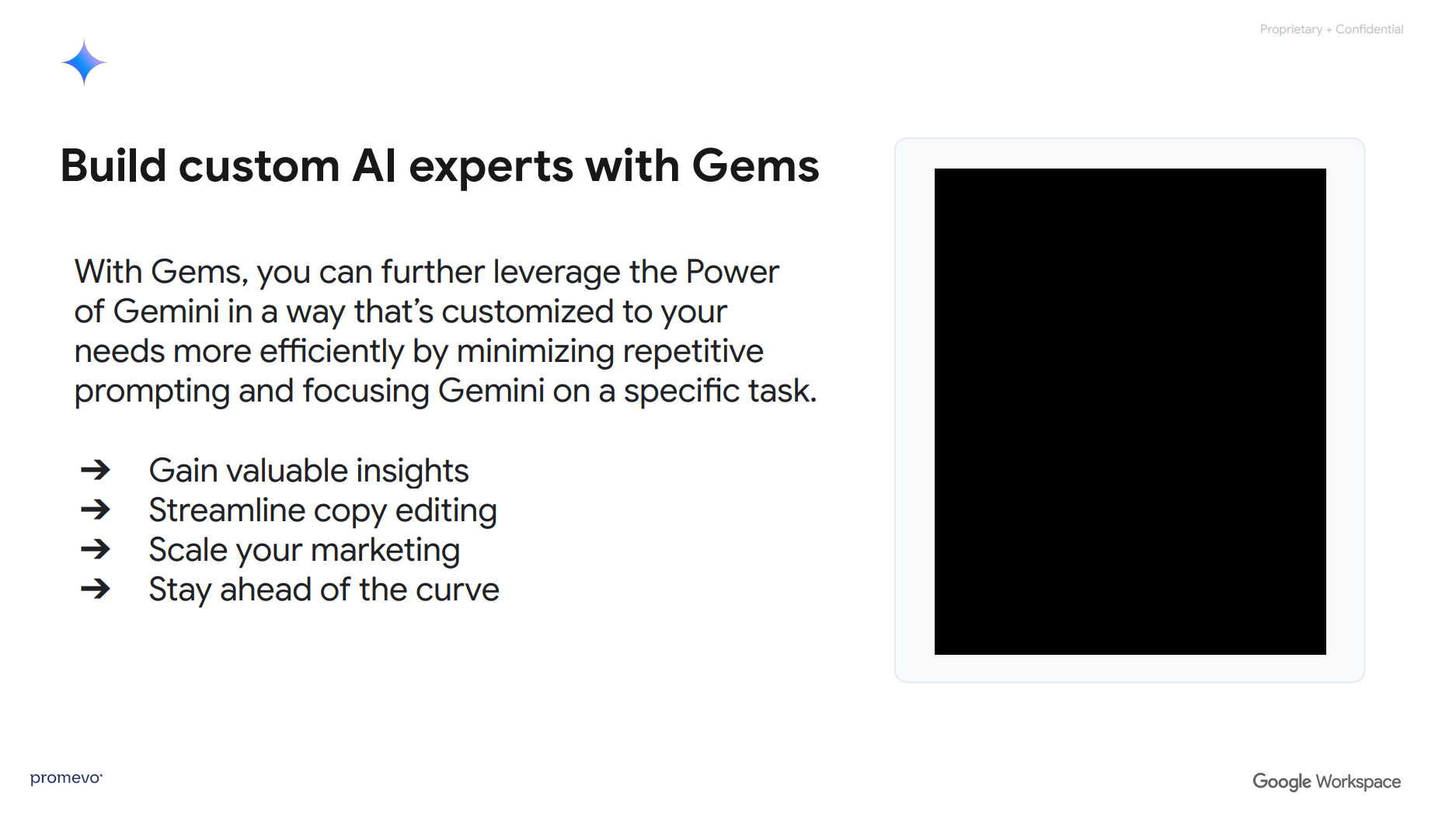
Use cases for Gems:
- Create a “Board Memo Editor” Gem for polished executive communications
- Launch a “Customer Onboarding Assistant” Gem that prepares emails, forms, and follow-ups
- Build a “Product Brief Generator” Gem that transforms release notes into sales enablement content
Implementation Suggestion: Maintain a shared internal directory of organization-approved Gems. Include descriptions, owners, and best-practice usage scenarios.
Strategic Advantage: NotebookLM for Research & Knowledge Work
NotebookLM — Google’s AI-powered research notebook — is arguably the most transformative tool in the Gemini stack for knowledge-centric organizations. It accepts source uploads (Docs, PDFs, Sheets, URLs, YouTube links) and summarizes, compares, and extracts insights.

Use cases for NotebookLM:
- Creates plans based on your product information, competitor analysis, and market research
- Generates Q&A, timelines, outlines, and audio summaries
- Enables shared, collaborative research across teams
The “Podcast Mode” — where NotebookLM turns dense material into an audio overview — is ideal for executive briefings or asynchronous learning.
Pro Tip: Have team leads create shared notebooks for key initiatives (e.g., vendor analysis, campaign performance, competitive intelligence). Use Gemini to surface insights weekly.
AI Video for the Enterprise: Google Vids
Google Vids is built for speed and polish, generating voiceovers from written prompts and storyboards from Drive content.
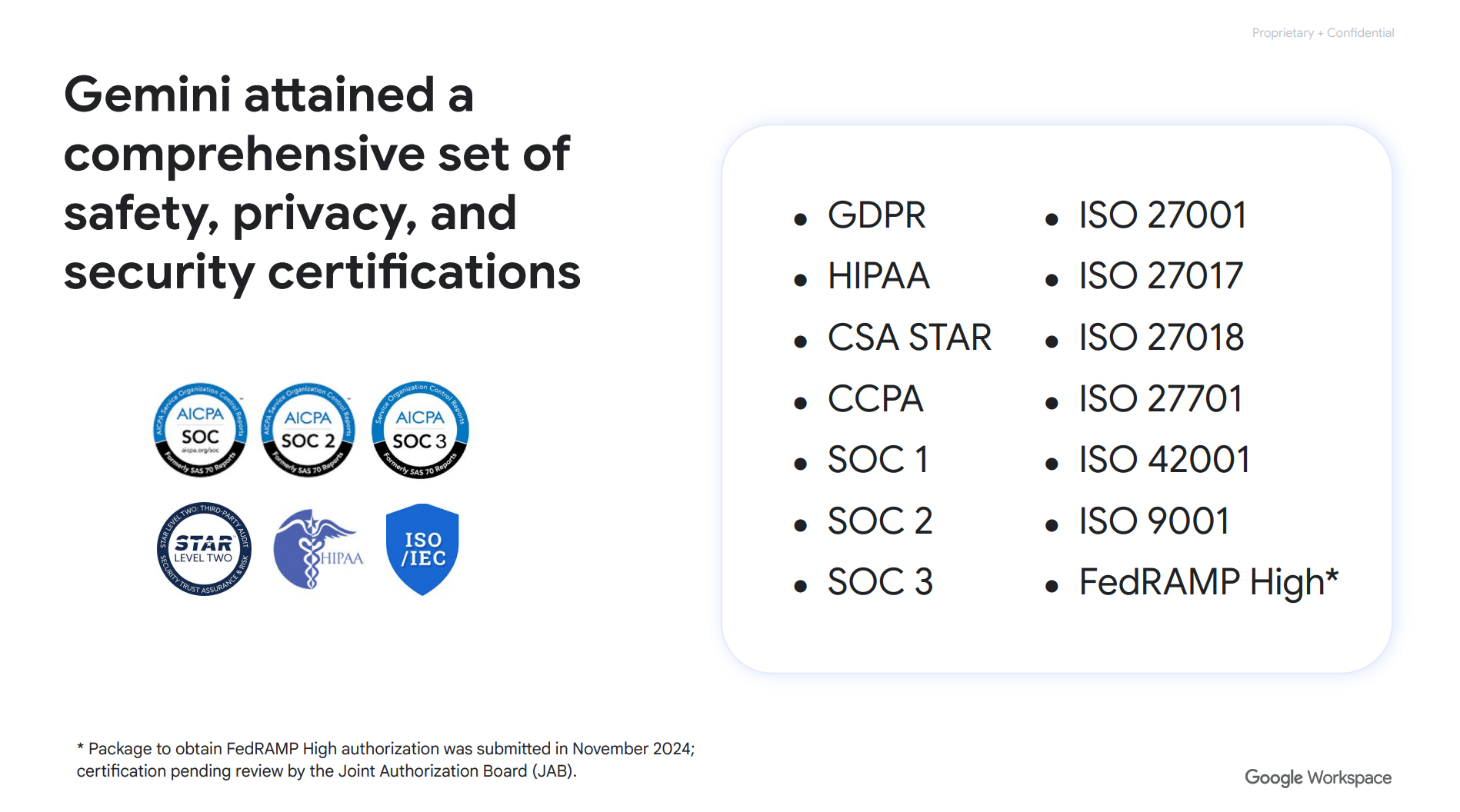
Gemini Security, Sovereignty & Trust
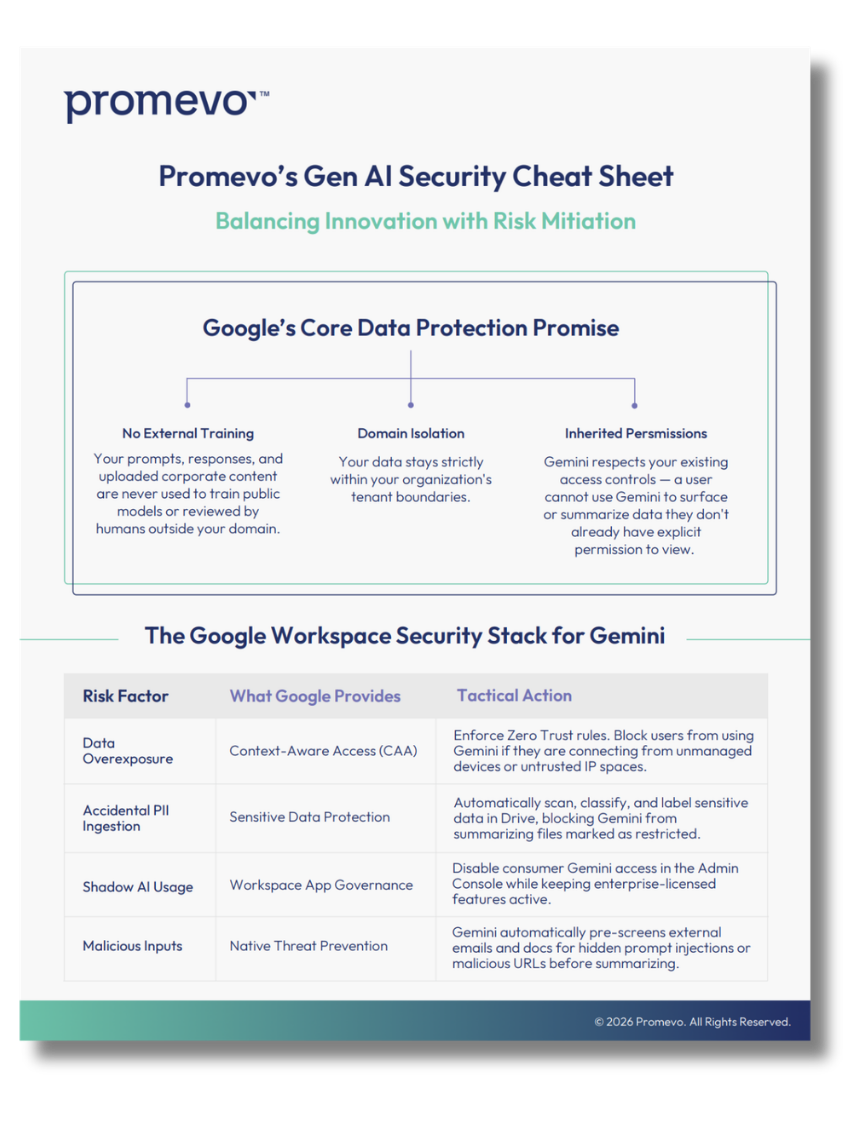
IT and security leaders rightly prioritize data protection when evaluating AI. Google has built Gemini to align with Workspace’s existing enterprise-grade controls.
Prompting Gemini: Practical Operational Recommendations
To successfully integrate Gemini at scale, organizations should think beyond tool adoption and focus on embedding Gemini into each job role function as an expert assistant.
1. Create Prompting Standards
Develop and distribute a standardized prompt framework across teams:
- Persona (who is asking)
- Task (what to do)
- Context (background info)
- Format (desired output)
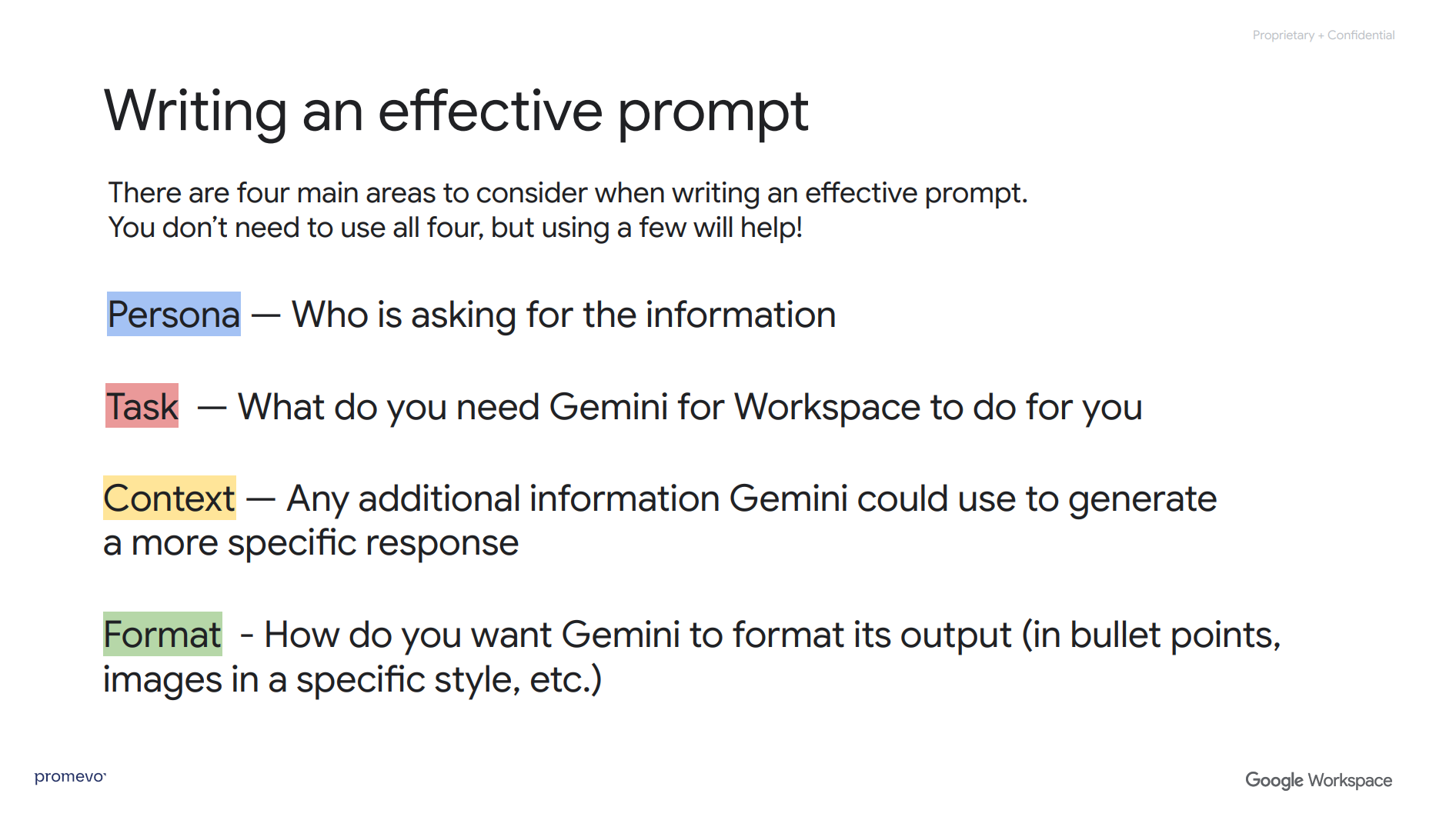
For example: “I am the Director, Digital Transformation for Promevo, a Google Partner. I am doing a live webinar on Gemini for Google Workspace, and I’ve come to the demo portion. Our audience is made up of business leaders, IT professionals, and admins. I need to give them a demo of how they could use the Gemini App. Give me three suggestions for a demo that would impress them on Gemini’s capabilities.”
2. Give Gemini Feedback
Just like any conversation with someone you work with, you should give Gemini feedback on the content it generates using natural language.
For example: “These are great suggestions, however, I would just like to do a demo of the Gemini App, Gemini.Google.com. Please give me suggestions for the Gemini App.”
3. Clarify Your Desired Output Format
Once you and Gemini are on the same page, choose your favorite response and clarify the format you need.
For example: “Great. Can you please give me prompts in the format of Persona, Task, Context, and Format for the suggested demo of ‘Competitive Landscape Overview.’”
Don’t worry about grammar, spelling, and punctuation. Gemini is smart enough to tell what you meant to write.
Resource: Deep dive into prompting for Google Drive.
Other Recommendations for Adopting Gemini
1. Define Use Policies and Guardrails
Work with legal, compliance, and HR to define:
- Acceptable use of generative AI
- Restrictions on sensitive or proprietary data
- Review processes for AI-generated content
2. Train for Experimentation
Encourage iterative learning through:
- Weekly “Prompt of the Week” challenges
- Internal case studies
- Cross-functional showcase sessions
This shifts AI from novelty to normalized behavior.
3. Use Data to Prove ROI
Track usage metrics, time savings, and business impact:
- Time-to-draft reduction
- Quality ratings (internal feedback)
- Volume of AI-assisted output
Bonus Tip: Partner with team leads to identify high-friction workflows, then run pilot tests using Gemini as the primary augmentation layer.
The Strategic Imperative
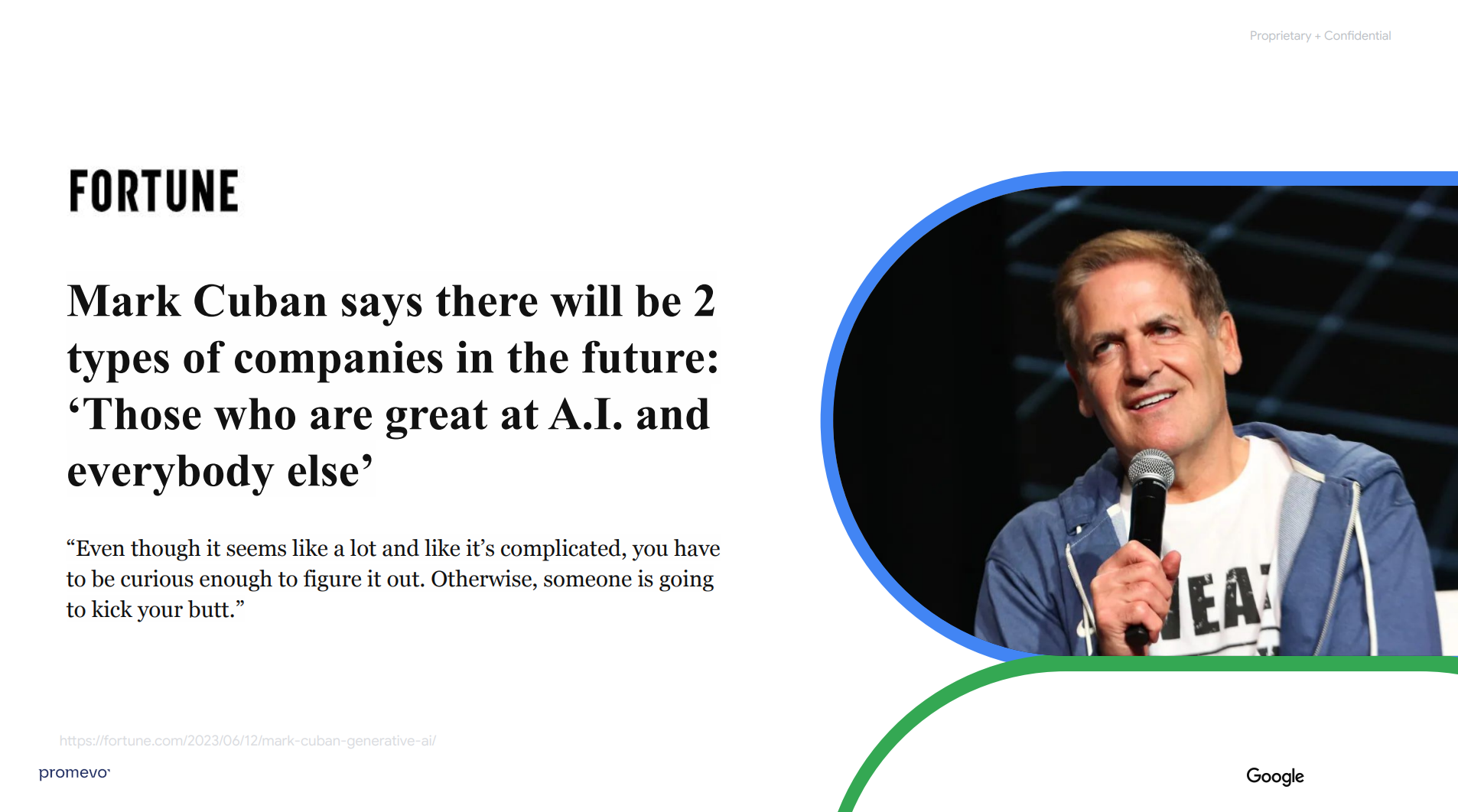
Mark Cuban said it best: “There will be two kinds of companies — those who are great at AI, and everyone else.”
With Gemini embedded into the very fabric of Workspace, your organization doesn’t need to reinvent how work happens. You just need to upgrade it.
This is no longer about chasing the future. It’s about operationalizing it today.
Resource: Promevo offers hands-on training workshops to help you deploy Gemini for Google Workspace.
Realize the Full Potential of Gemini
At Promevo, we guide organizations through every stage of their Google journey — from foundational deployments to transformational AI rollouts. We don’t just deploy features. We deploy capability.
Whether you need:
- A hands-on AI workshop tailored to your team
- Technical configuration of Workspace policies and Gemini Gems
- Strategic advisory on integrating AI into business planning
We’re here to accelerate your adoption — and your advantage.
Explore our full Gemini Adoption Series here to learn more about prompting, the Gemini app, and NotebookLM. Or contact us to schedule a 1:1 consultation on how to best use Google Workspace with Gemini.
Let’s not just imagine what’s possible. Let’s implement it.
FAQs: Google Workspace With Gemini
1. What is Google Workspace with Gemini?
Google Workspace with Gemini is the integration of generative AI features directly into Google Workspace apps like Gmail, Docs, Sheets, and Slides. It allows users to create content, summarize information, generate images, and analyze data using natural language prompts — all within the apps they already use every day. As of 2025, Gemini is included in all Business and Enterprise plans.
2. How does Gemini improve productivity in Google Workspace?
Gemini helps users save time by drafting emails, summarizing documents, analyzing spreadsheets, generating visuals for presentations, and automating repetitive tasks. According to Google, users report saving an average of 105 minutes per week using Gemini’s built-in AI tools — making it a powerful asset for boosting team efficiency.
3. Is Google Workspace with Gemini secure for enterprise use?
Yes. Gemini in Google Workspace follows the same strict security and privacy protocols as the rest of the platform. Your data remains within your organization’s domain and is not used to train external models. Gemini has achieved key certifications, including SOC 1/2/3, ISO 27001, ISO 42001, HIPAA alignment, and submitted for FedRAMP High authorization.
4. Can I use Gemini in Google Workspace without extra cost?
Yes — if you’re on a Google Workspace Business or Enterprise plan, Gemini is already included at no additional cost. This gives your organization immediate access to built-in AI features across Gmail, Docs, Sheets, Slides, Meet, and other Workspace apps.
5. How can my organization start using Gemini in Google Workspace?
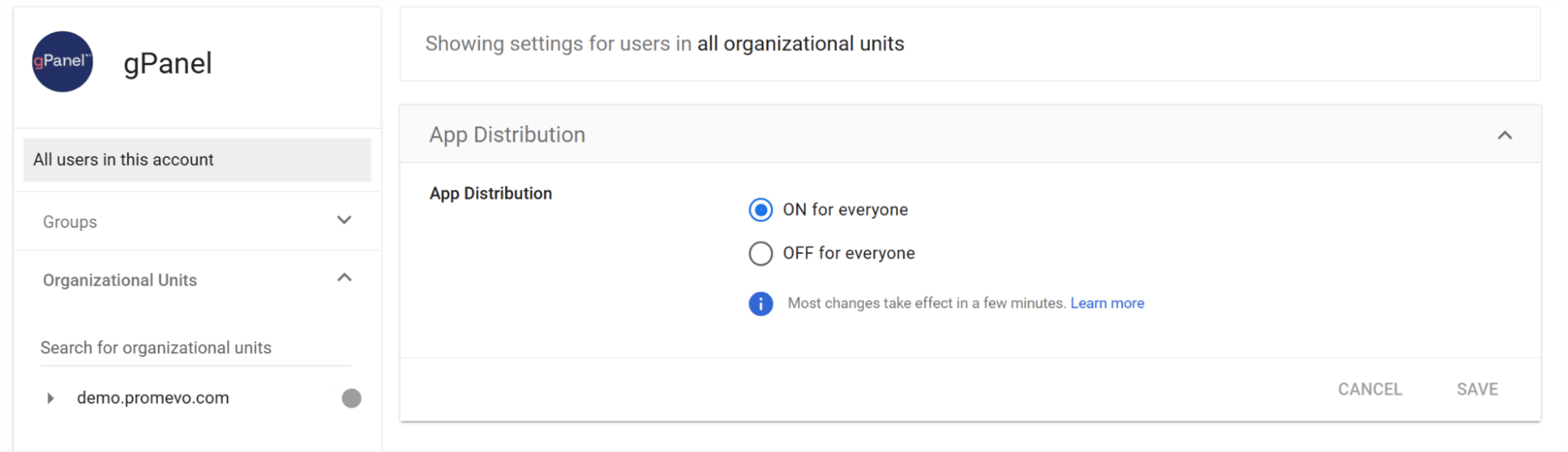
To get started, enable Gemini features in your Workspace admin console and provide training to users on prompt writing and app-specific capabilities. You can also partner with experts like Promevo to lead workshops, configure policies, and develop AI use cases tailored to your business goals.