

You don’t need to write perfect SQL to get value from your data anymore. That shift has been coming for years, but it just became real inside BigQuery with the introduction of Gemini.
You now have a way to explore data conversationally, build models faster, and give more people access to insights without breaking governance. That changes how teams interact with analytics at every level.
This guide walks you through what’s actually new, how it works in practice, and what you need to put in place so it delivers real value instead of noise.
The Evolution of AI in Data Analytics
If you’ve worked in technology for as long as I have, then you’ve likely seen a few phases of analytics already.
First came static reports. Then dashboards. Then self-service business intelligence (BI) tools that promised flexibility but often created a mess of duplicated logic and inconsistent metrics.
Now, we’re stepping into a new phase.
Gemini inside BigQuery moves you from query-based access to conversation-based analysis. Instead of translating business questions into SQL, you can ask questions directly and let AI handle the translation.
That shift matters for two reasons:
- You reduce the gap between business users and data
- You keep your data centralized and governed instead of spreading it across disconnected tools
You don’t lose control. You extend access.
That’s the real goal: give more people the ability to explore data without creating chaos in the process.
Gemini Integration in BigQuery: Core Capabilities
When you use Gemini in BigQuery. you’re not just getting a chatbot layered on top of your data. You’re getting multiple capabilities that reshape how work gets done inside Google Cloud.
Direct Conversational Analytics
You can query datasets using natural language. Instead of writing SQL, you can ask:
- “What were our top-selling products in the Northeast last quarter?”
- “Which regions saw the highest churn over the past six months?”
Gemini translates that request into SQL, runs the query, and returns results.
You still have visibility into the generated query, which keeps everything transparent and auditable.
BQML with AI Assistance
BigQuery ML already lets you build models using SQL. Gemini accelerates that process. You can:
- Generate model creation queries faster
- Get guidance on feature selection
- Refine models without switching tools
This keeps your workflows inside BigQuery while still connecting cleanly to Vertex AI for model management and deployment.
You don’t need to move data across systems just to build or operationalize models.
Enterprise Readiness
These capabilities are moving into general availability. That signals something important.
You can start planning real adoption, not just experimentation. That means:
- Production use cases
- Governance frameworks
- Integration into existing data workflows
You’re not testing a concept. You’re building a capability.
Practical Use Cases & Business Value
This is where things get tangible. Gemini in BigQuery changes who can use data and how quickly they can act on it.
Natural Language Querying for Broader Access
Your non-technical teams no longer need to wait on analysts for every question. They can:
- Ask direct questions in plain language
- Get immediate answers backed by governed data
- Explore follow-up questions without starting from scratch
That reduces bottlenecks and speeds up decision-making.
Your analysts don’t disappear. They shift focus toward higher-value work like modeling, optimization, and strategy.
Embedded Analytics through APIs
Gemini in BigQuery lets you take conversational analytics beyond internal use. With Google's conversational analytics API, for example, you can:
- Embed natural language querying into internal tools
- Build customer-facing analytics experiences
- Create applications that surface insights without exposing raw data complexity
That opens up new product and service opportunities because you’re not just analyzing data; You’re packaging it into experiences.
Operational Efficiency Through Centralization
Many organizations deal with dashboard sprawl. Different teams build their own reports. Metrics drift. Definitions change. Trust erodes.
Gemini helps you pull logic back into a centralized, governed layer.
You define your models once, inside BigQuery. Users query against that foundation instead of recreating logic in separate tools. This gives you:
- Consistent metrics across teams
- Fewer redundant dashboards
- Better trust in the data
You won’t eliminate dashboards, but you’ll make them more reliable.
Technical Best Practices for AI Readiness
Gemini performs best when your data environment gives it clarity.
If your data lacks structure or context, you’ll see weaker results. You need to prepare your environment so AI can interpret it correctly.
Make Your Data Models Descriptive
You can’t rely on column names alone. You need to:
- Add clear descriptions to datasets and tables
- Document what each field represents
- Define how metrics get calculated
Think of this as teaching the system how to understand your data. The more context you provide, the more accurate the outputs become.
Reduce Ambiguity At The Source
If multiple tables represent similar concepts, clarify the differences. If a metric has a specific definition, document it. If naming conventions vary, standardize them.
Without that clarity, Gemini fills gaps with assumptions. That leads to inaccurate results. You want precision, not guesses.
Align Governance With Access
You still control who can see and query data. Gemini doesn’t override your permissions model.
Make sure:
- Access controls align with business roles
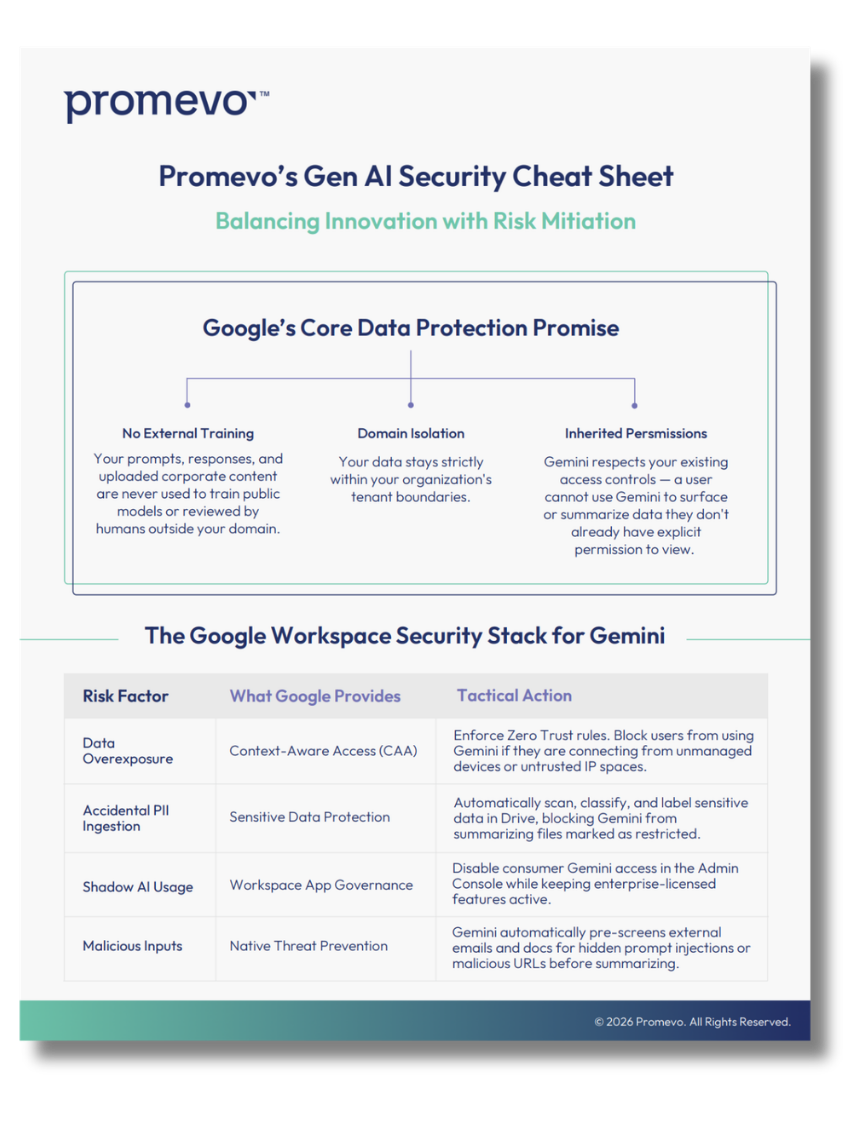
- Sensitive data remains protected
- Audit logs stay enabled
You expand access without compromising security.
The Future: Model Context Protocols (MCPs)
This is where things start to move beyond simple querying.
Model Context Protocols create a standard for how AI systems interact with tools and data sources. Instead of building custom integrations for every use case, you define a consistent interface.
BigQuery can now act as an MCP server. That means:
- External AI agents can securely interact with your data
- Access follows your existing governance rules
- You maintain control over what actions are allowed
This opens the door to more advanced scenarios.
You move from answering questions to enabling action. For example:
- An AI agent analyzes trends and triggers workflows
- A system monitors data and flags anomalies in real time
- Applications respond dynamically based on live data insights
You’re not limited to chat-style interactions anymore. You’re building systems that think and act within defined boundaries.
Balancing Innovation With Governance
You gain a lot of power with Gemini in BigQuery. You also take on new responsibilities. You need to balance speed with control.
Here’s what that looks like in practice:
- Keep your data centralized and well-modeled
- Maintain strict access controls
- Document your datasets thoroughly
- Monitor how users interact with AI-generated queries
When you get this right, you unlock real data democratization.
More people can explore data. Fewer bottlenecks slow them down. Your organization moves faster without sacrificing accuracy or security.
When you skip the foundation, you get confusion instead.
What You Should Do Next
You don’t need to roll this out everywhere at once. Start with a focused approach. Pick a use case where:
- Business users rely heavily on analysts
- Data already lives in BigQuery
- Clear metrics exist
Introduce conversational querying in that environment. Then, expand as you refine your models and governance.
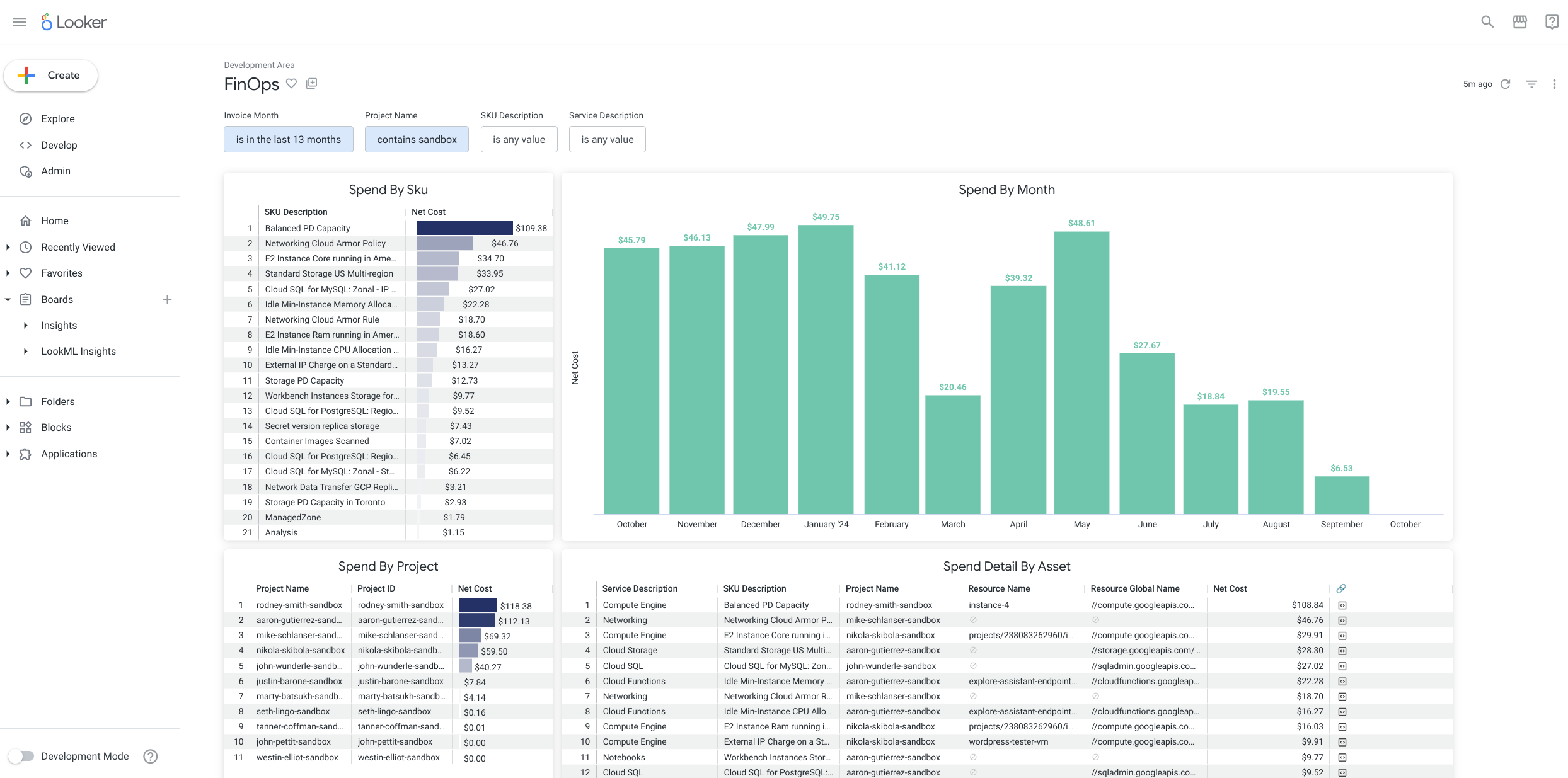
If you want to go further, align your analytics stack across BigQuery and your BI layer. Tools like Looker can help you maintain consistent definitions while giving users flexible ways to explore data.
Turn Data Access Into a Competitive Advantage
You already have the data. The challenge has always been access, speed, and trust.Gemini in BigQuery addresses all three.
You give more people the ability to ask questions. You reduce the time it takes to get answers. You keep everything grounded in a governed system.
That combination creates real momentum.
If you want to implement this the right way, you need more than just the feature turned on. You need clean data models, clear governance, and a plan for adoption.
That’s where we come in.
Promevo helps you optimize your BigQuery and Looker environments so Gemini delivers accurate, reliable insights from day one. You get a setup that scales with your organization and supports how your teams actually work.
Let’s make your data easier to use without losing control of it. Contact us when you’to get started.